Feedback from the OpenBridge seminar
Three 20-minute workshop sessions at the OpenBridge seminar on 22. October 2026, grouped by theme: comments need moderation, and training on the bridge may work better as help, with the real training happening before crew board.
- OpenBridge seminar
- feedback
- workshop
- process
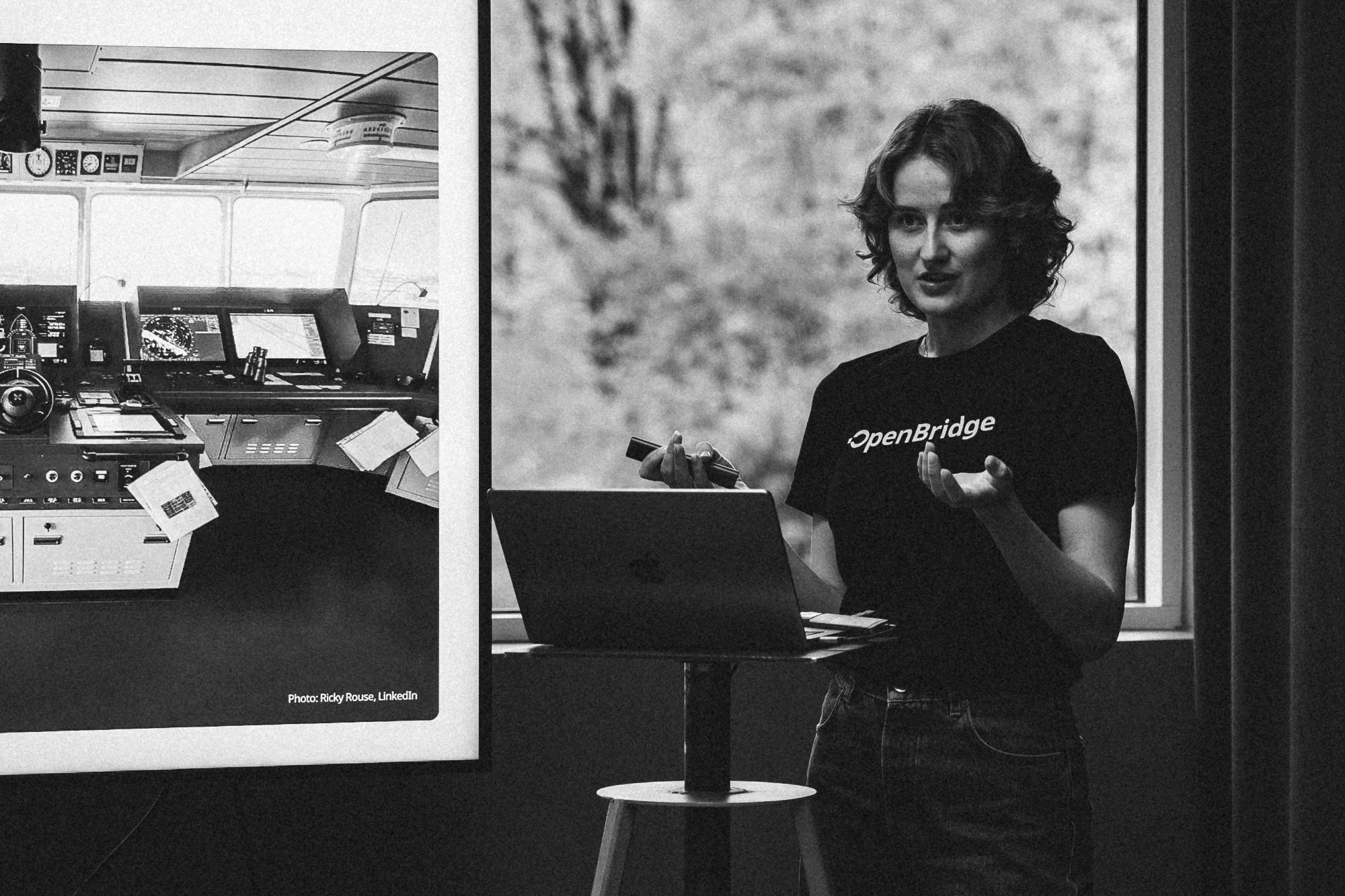 Photo: Andreas Mitchley
On the 22nd of October I presented the project at the biannual OpenBridge seminar, for representatives from the maritime industry. I ran three workshop sessions of 20 minutes each, with 10 minutes of presentation and 10 minutes of discussion. This post sums up the feedback and insights, grouped by theme. The biggest takeaways were that the comments need moderation, and that training on the bridge may have to be in more of a "help" format, while the onboarding and training often need to happen before crew board. The labels S1 to S3 show which session each point came from.
Recurring themes
These came up in more than one session.
1. Moderating and managing comments (S1, S2)
The Collaborate feature got the most discussion, and both sessions raised the same concern: the comments will pile up.
- S1: Should crew comments be verified by the manufacturer and turned into official training, so they don't stay as scattered notes? The number of notes should be kept small, or it becomes hard to manage for people who are trying to learn.
- S2: After five years there could be a million comments. Who cleans them up, and who decides which ones stay?
2. Personal profiles and progress tracking (S1, S2)
- S1: Several operators share one station, so each needs their own learning path.
- S1: Idea: End a session with a QR code, like on gym machines, so people can log their progress on a shared screen with their own phone. This connects to the idea of a mobile app for checking progress.
- S2: A progress log means people have to log in, which also adds to the data that has to be managed.
3. Training beyond the bridge screen (S1, S2)
- S2: A participant described making offline training apps for a retail chain with 3,000+ employees, where staff trained on tablets during their commute.
- S1: Could it be possible to open it up to training institutes and facilitate for certification?
- I mentioned the iPad as a second screen in both sessions, and both groups responded well to it.
4. Getting people to actually do the training (S1, S3)
- S3: Participants pointed out that people skip training they see as extra work, like the mandatory email courses everyone postpones. It needs a very low threshold, it should be part of normal routines, and it should work through doing rather than taking a course. This applies especially to functions people don't use every day.
- S3: A participant's own DP system has a training mode, but they don't think users know it exists. Making training easy to find matters as much as designing it.
- S1, S3: Both discussions linked this to Jørgen Dalens work on behavioural design.
Suggested reframing: on the bridge, it's a help page (S2)
This was the strongest critical point. Crew can't board without being trained first, so training can't always happen before they are on the vessel. What I showed might work better as on-the-job help on the bridge. This finding doesn't necessarily weaken the project, even if not all training happens physically on the bridge. An OpenBridge learning pattern will still make it easier to tie training to the interfaces, and connect them to the real work environments, but it points out the importance of deciding when and where training happens, which could be a core part of the framework.
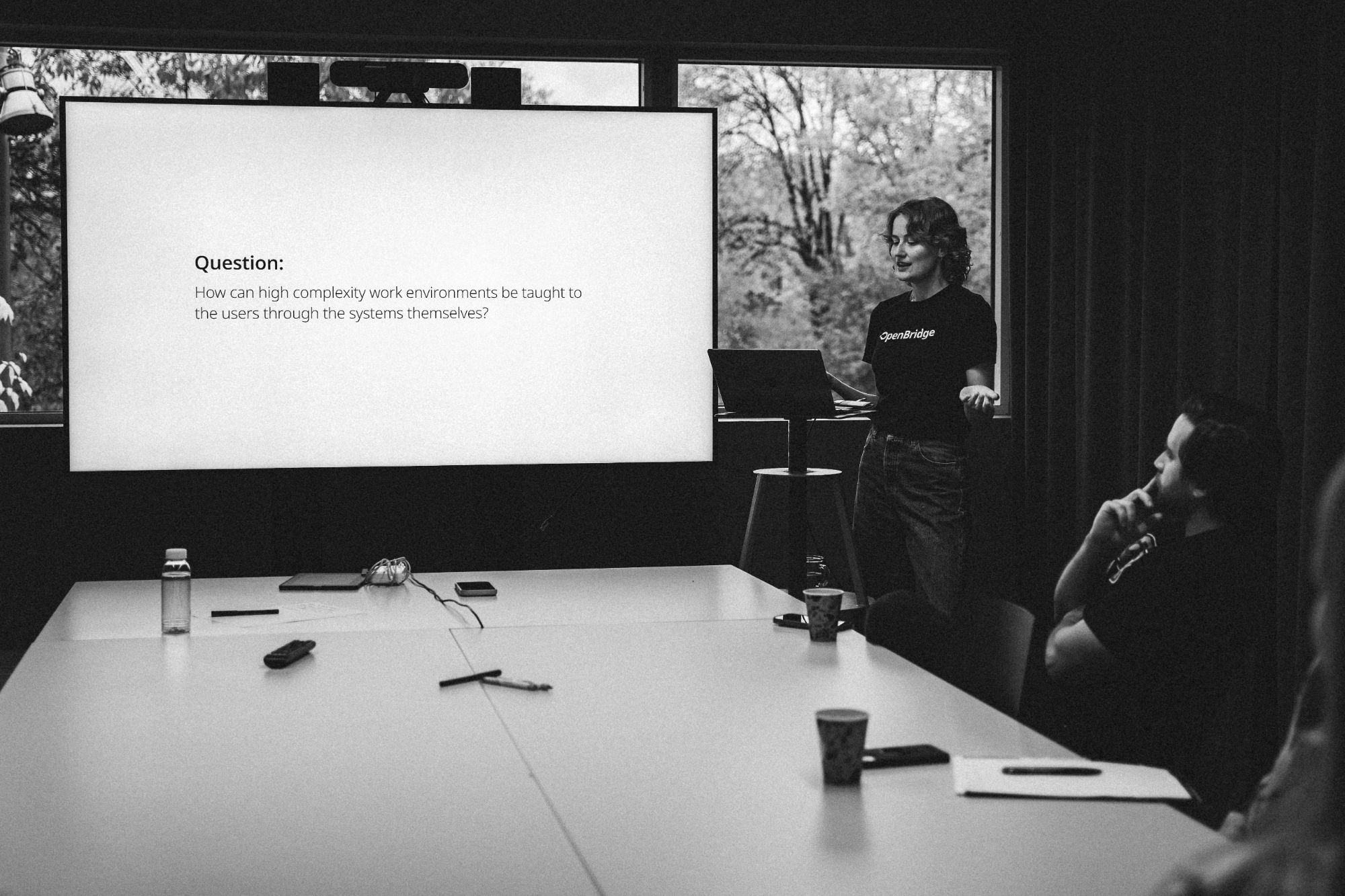
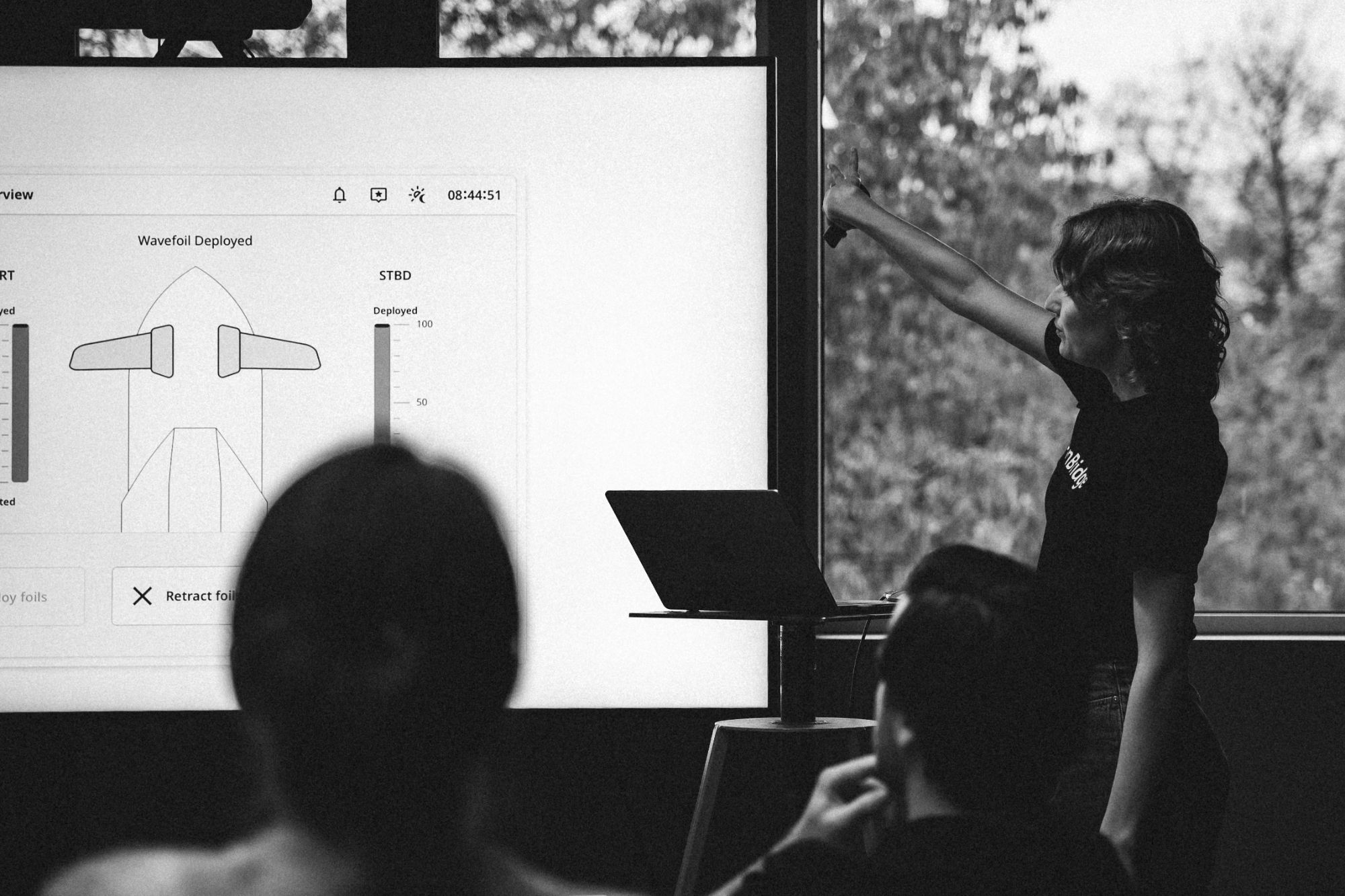
Photos: Andreas Mitchley
New ideas from participants
- Shift handover (S2): Use the comment feature in normal operation as a handover tool between shifts, cleared after each handover so the comments don't build up.
- Feedback to the manufacturer (S2): A comment could be a tip for other operators, or a bug report for the supplier. One supplier said this would be "really valuable to us."
- Cursor mode in Learn (S3): Instead of only clicking Next and Previous, let users click a component and go straight to its chapter. Explore mode could support this.
- Checklists (S1): Ship owners require suppliers to provide checklists, always on laminated paper, for startup routines and what to do when something fails. These could be built into the system.
- Generic and system-specific training (S1): For ECDIS, crew need a general certified course and training on the specific system on board. Could the framework cover both, and be opened up to training institutes certified by national authorities?
- Customisable interfaces (S1): If crew rearrange their own layout, training based on a standard layout won't match what they see. My answer was to tie training to individual components and show how they relate in each person's setup. A participant added that good layouts could be shared between shifts.
Visual language: positive feedback
- S2: "Looks really beautiful… visually it's very strong." It stands out clearly from the main interface.
- S3: Compared to their own training mode, which is just a red top bar, this made it easier to tell which mode you're in.
- S3: Very relevant for a company that installs wingsails, a similar kind of secondary equipment. Today they hire designers to make their crew training material appealing.
Open questions to take forward
- Where does training happen (before boarding, on a second screen, on the bridge), and where does help take over?
- Who moderates the comments, how do they reach the manufacturer, and when do they become official training?
- How do users log in and track their progress on shared stations?
- How do you make training low-effort enough that people actually do it?
- Can the framework facilitate for checklist routines?