Introducing training in Wavefoil interface: first iterations
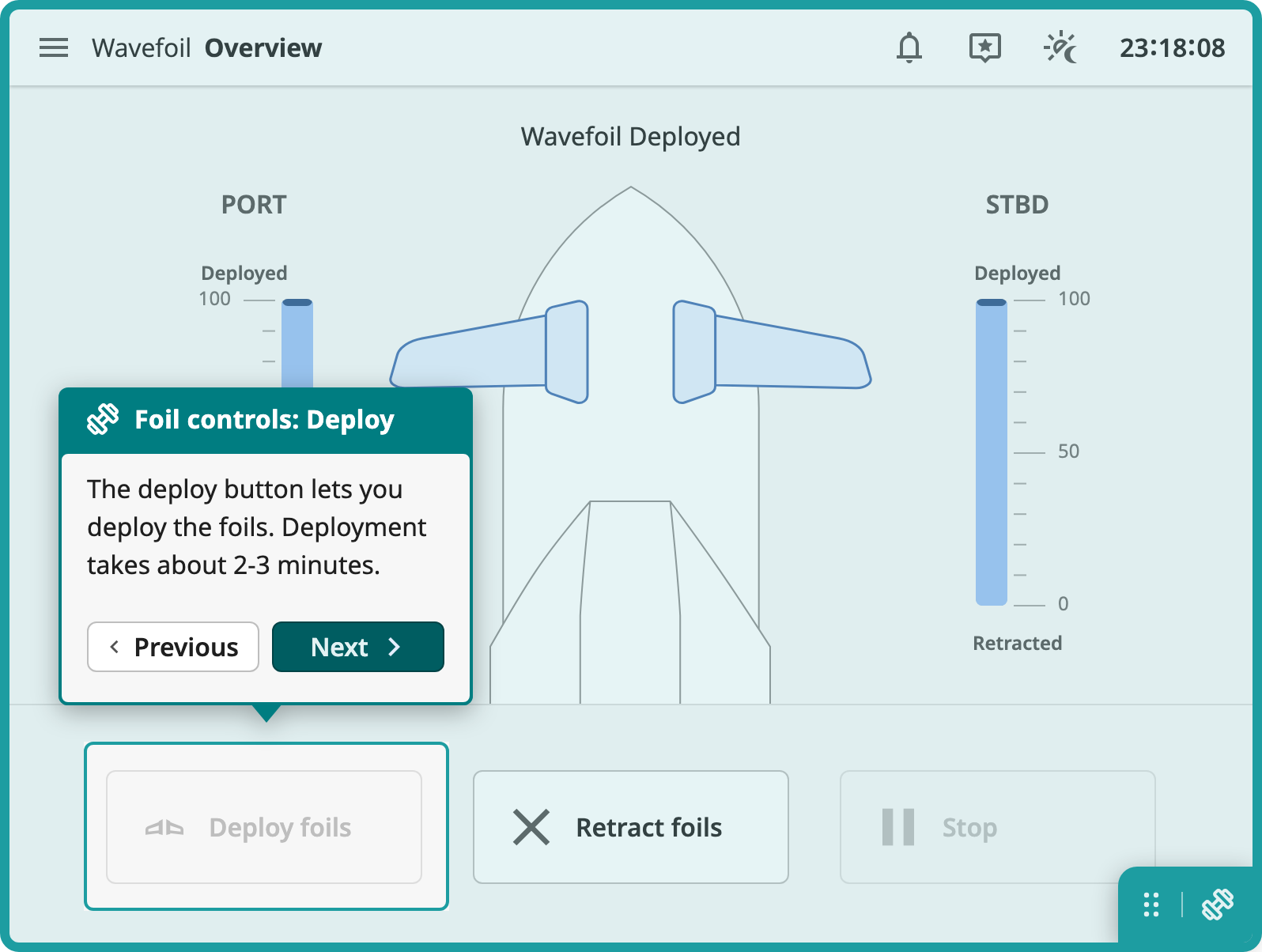
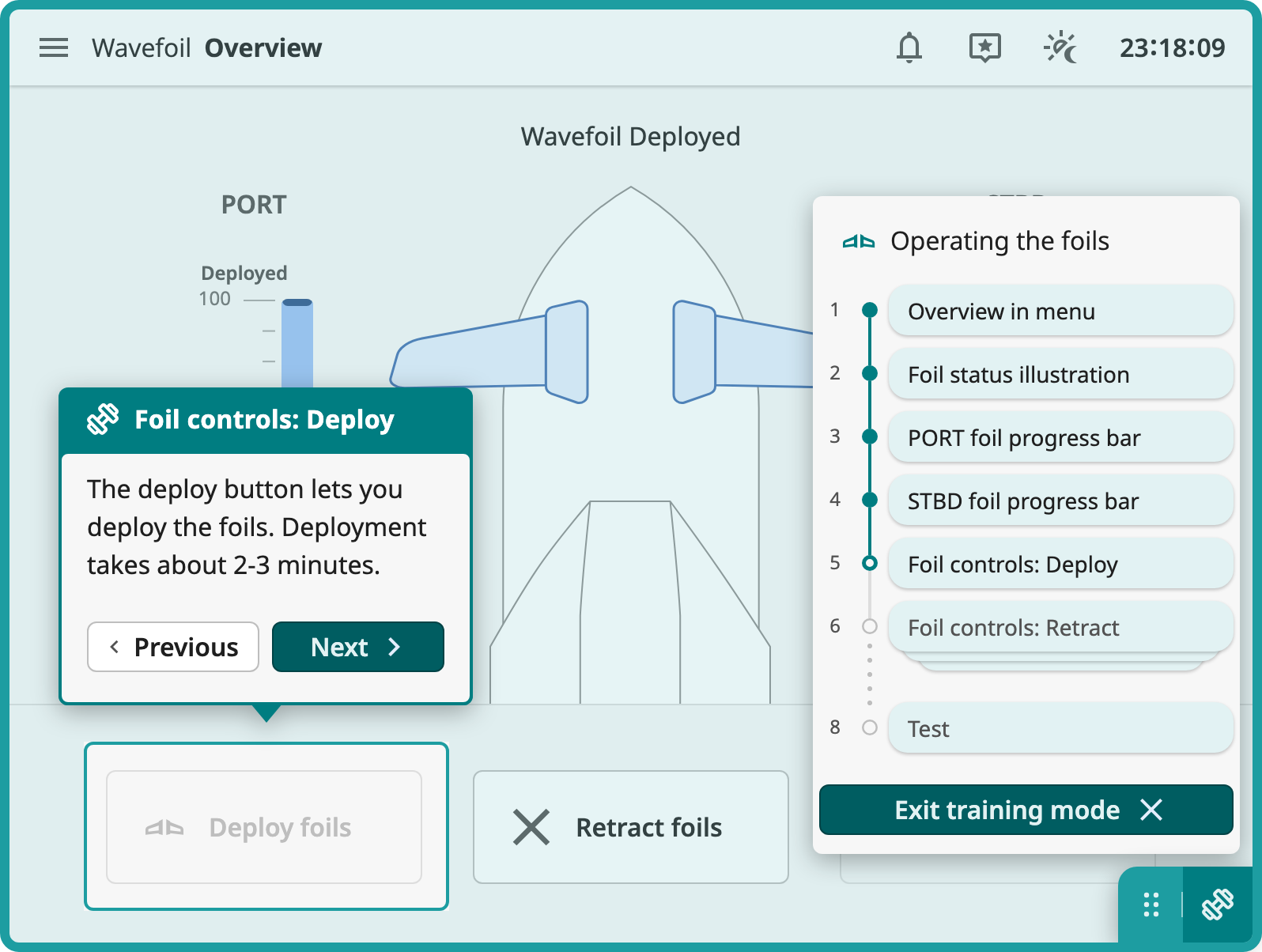
The first iterations of the Wavefoil prototype: the interface, the training menu, an explore mode, and a second round with decision support, debriefing and comment states.
- Wavefoil
- prototyping
- explore mode
- process
Having tested prototyping with Claude Code on my first concept sketches, I began introducing the training concept on a new case: Wavefoil.
In the previous post I ended with three ideas to test: letting users try an application's functionality in a safe environment, adding comments so captains can share experiences despite not working together, and making sure the training works in a compressed version of the interface as well as in the larger one.
This post documents the iterations of the Wavefoil prototype, one at a time, in the order I made them.
First iteration: the interface, the training menu and explore mode
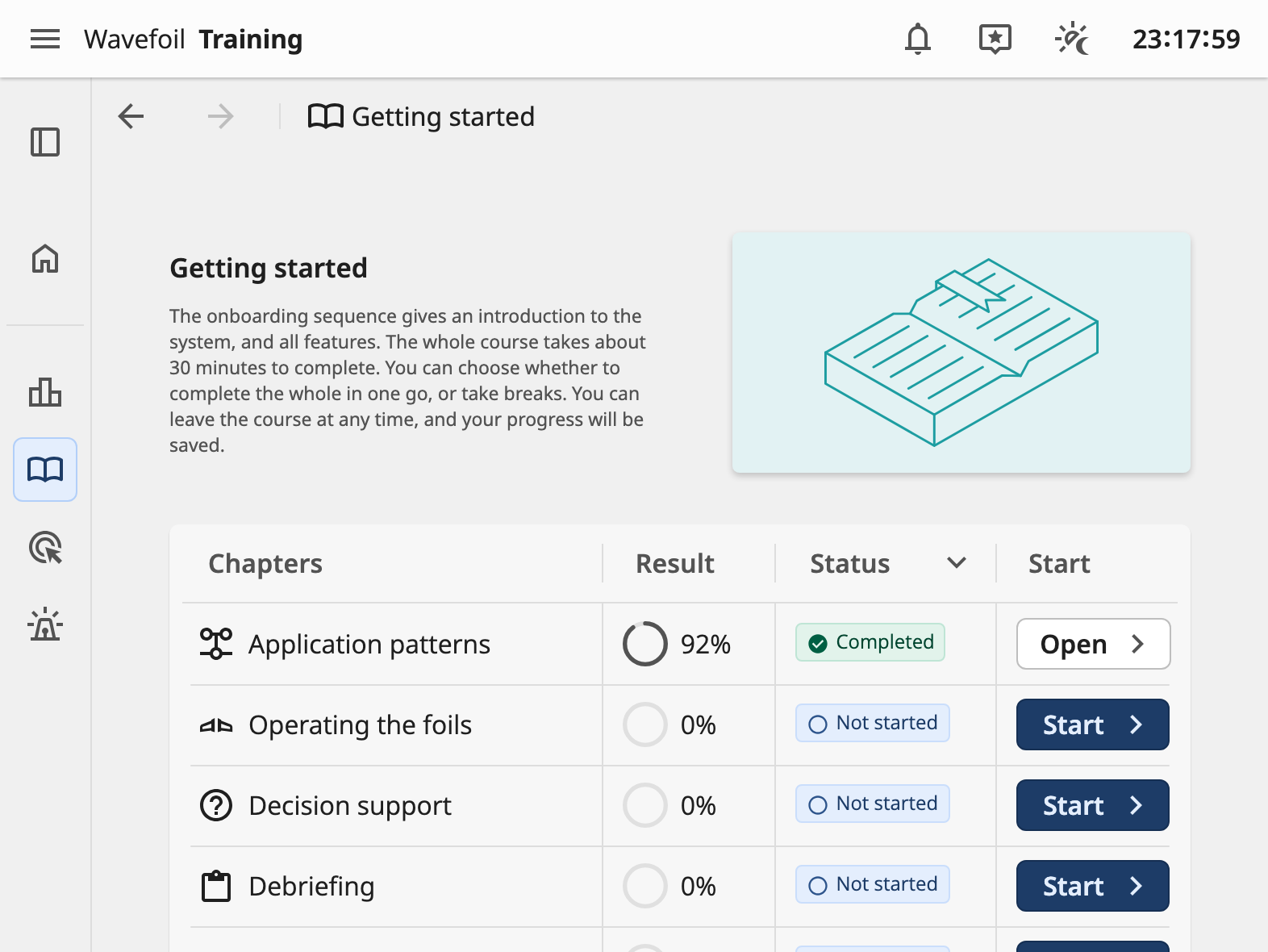
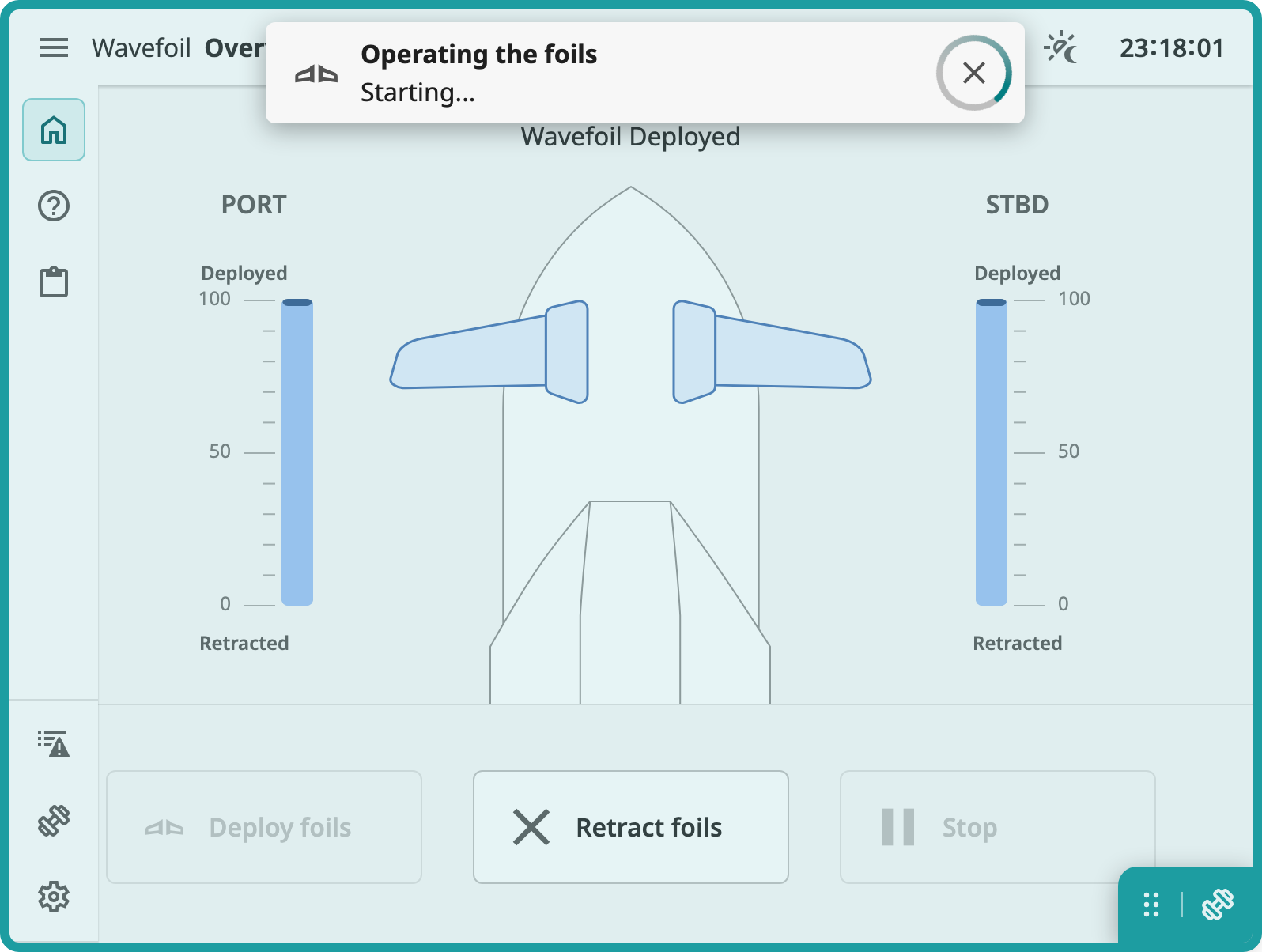
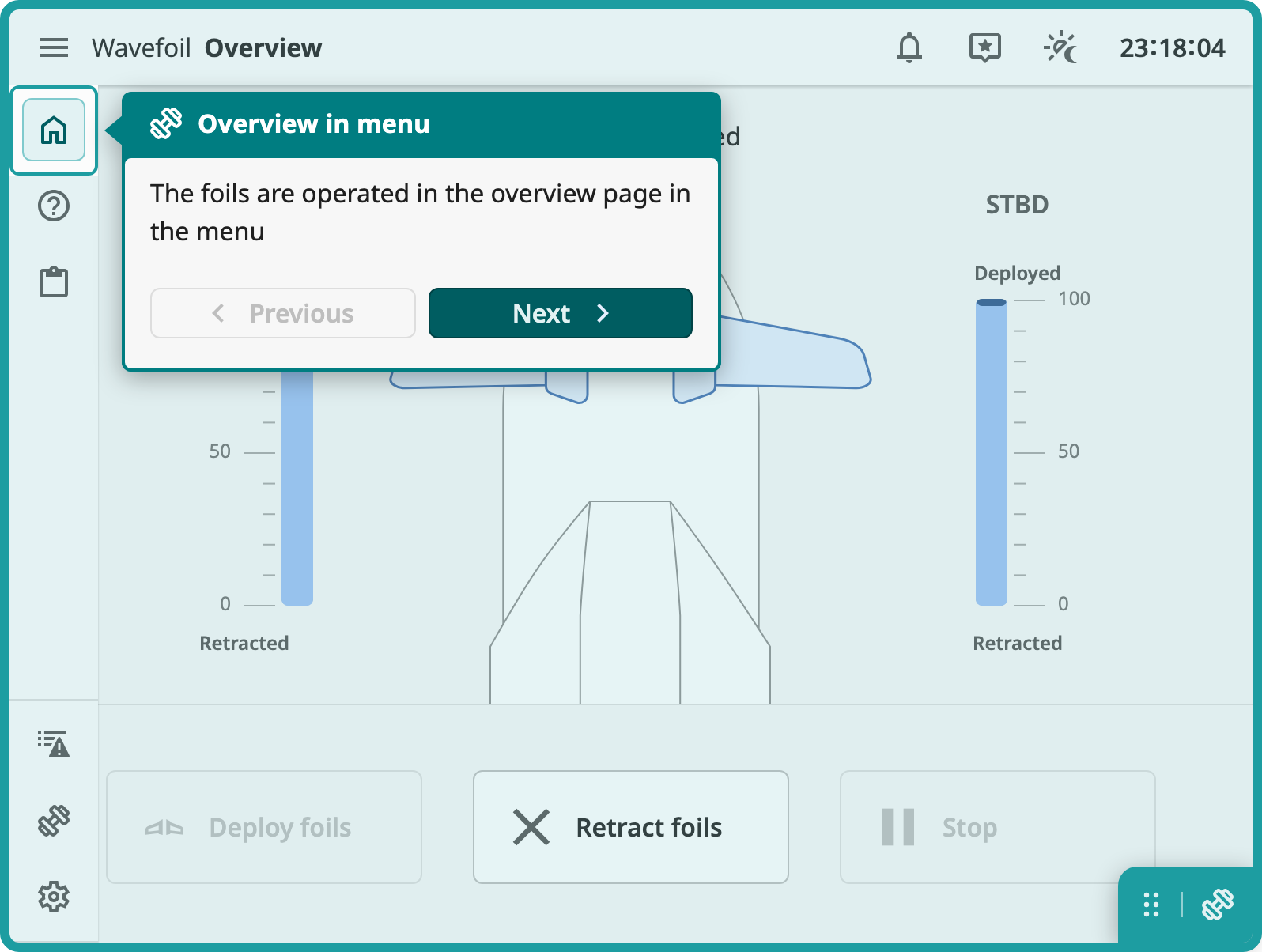
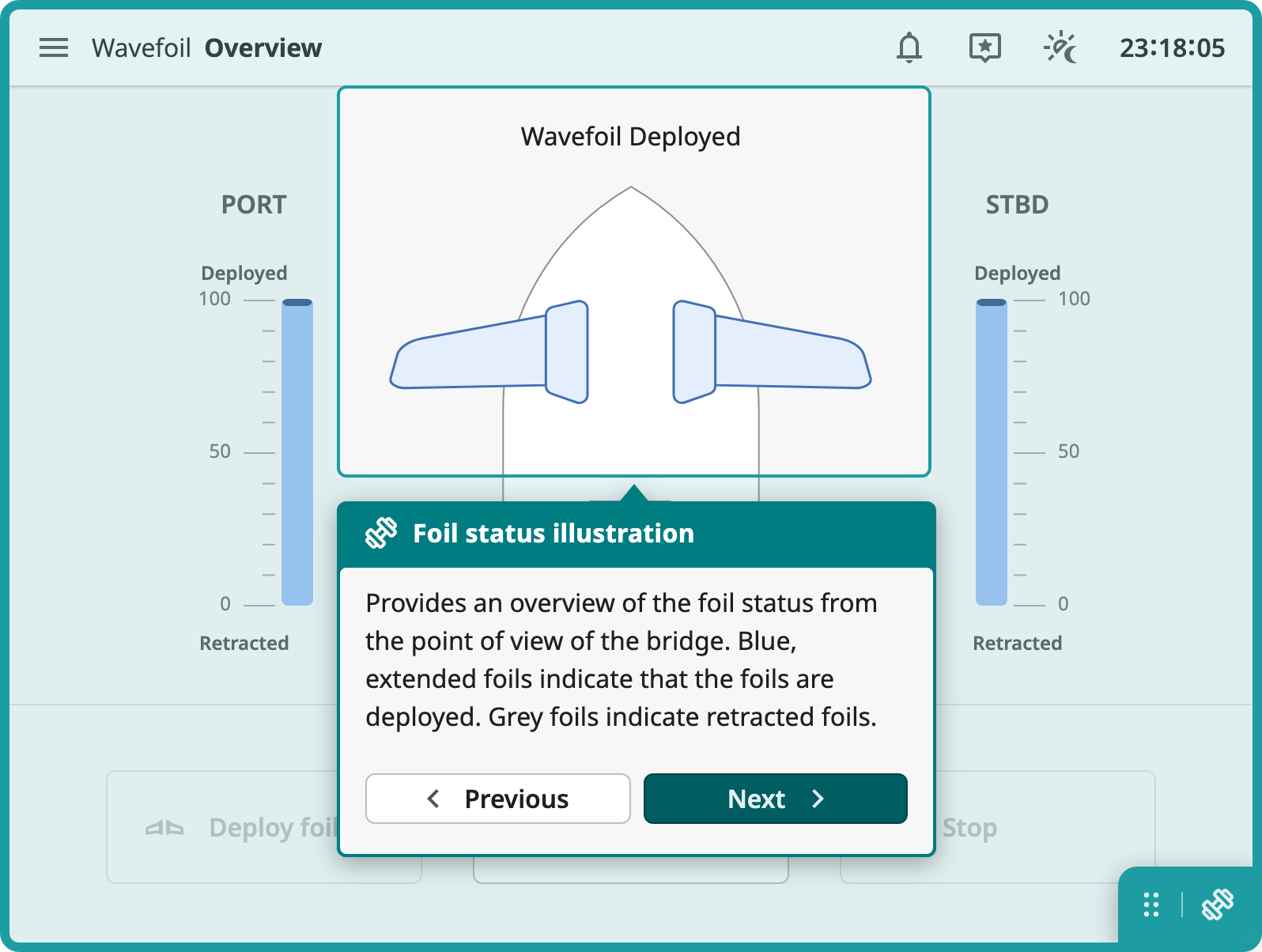
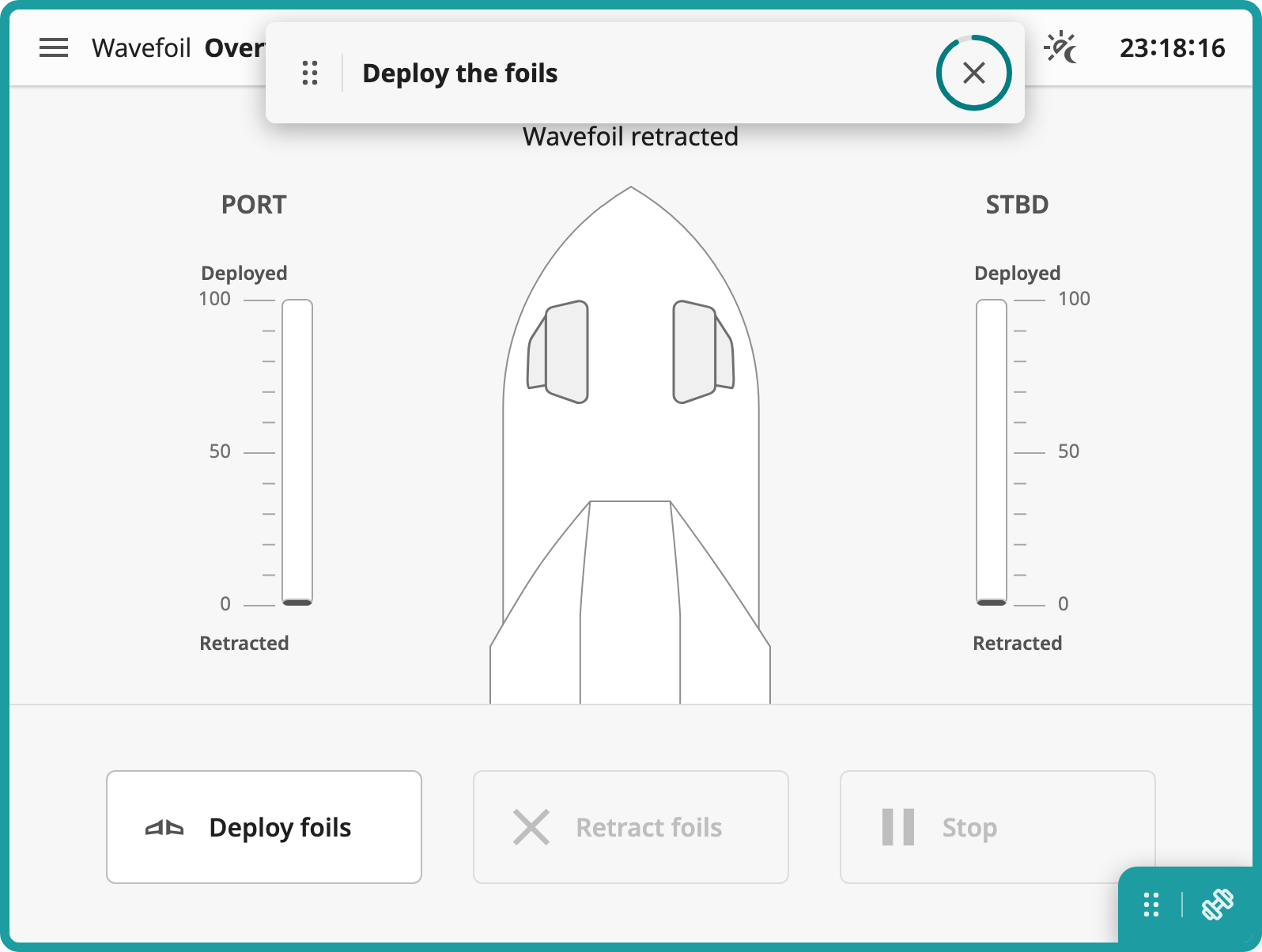
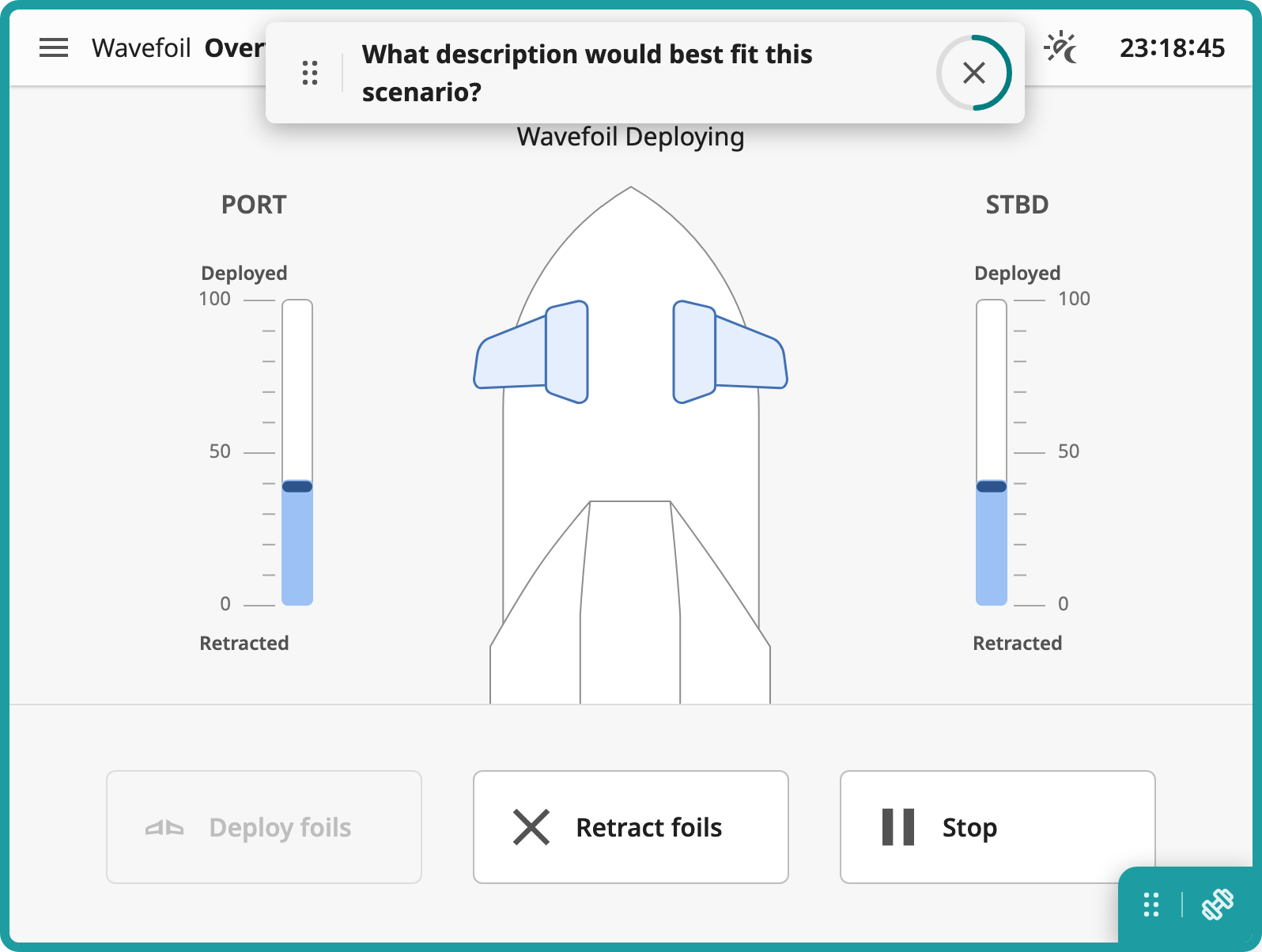
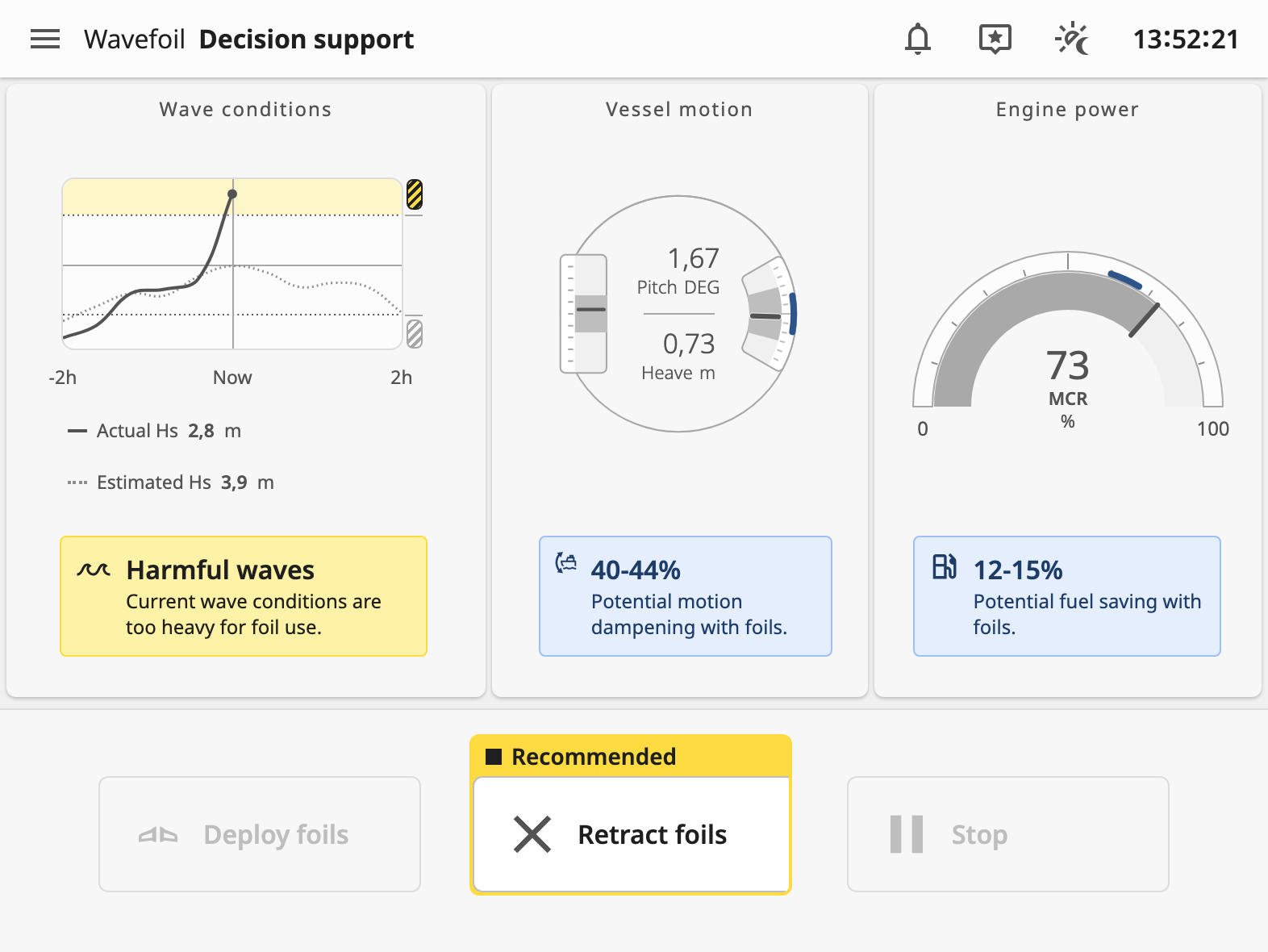
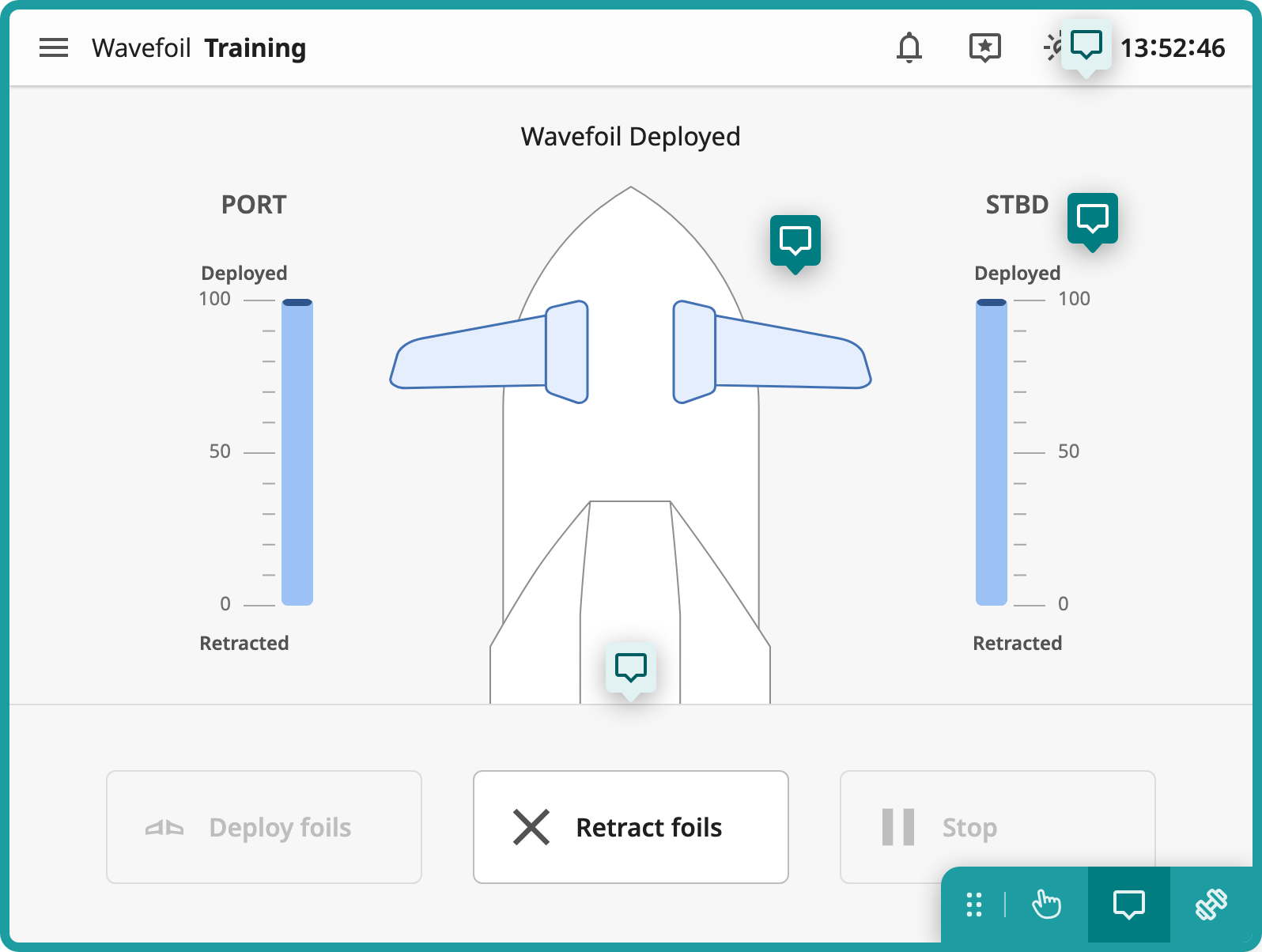
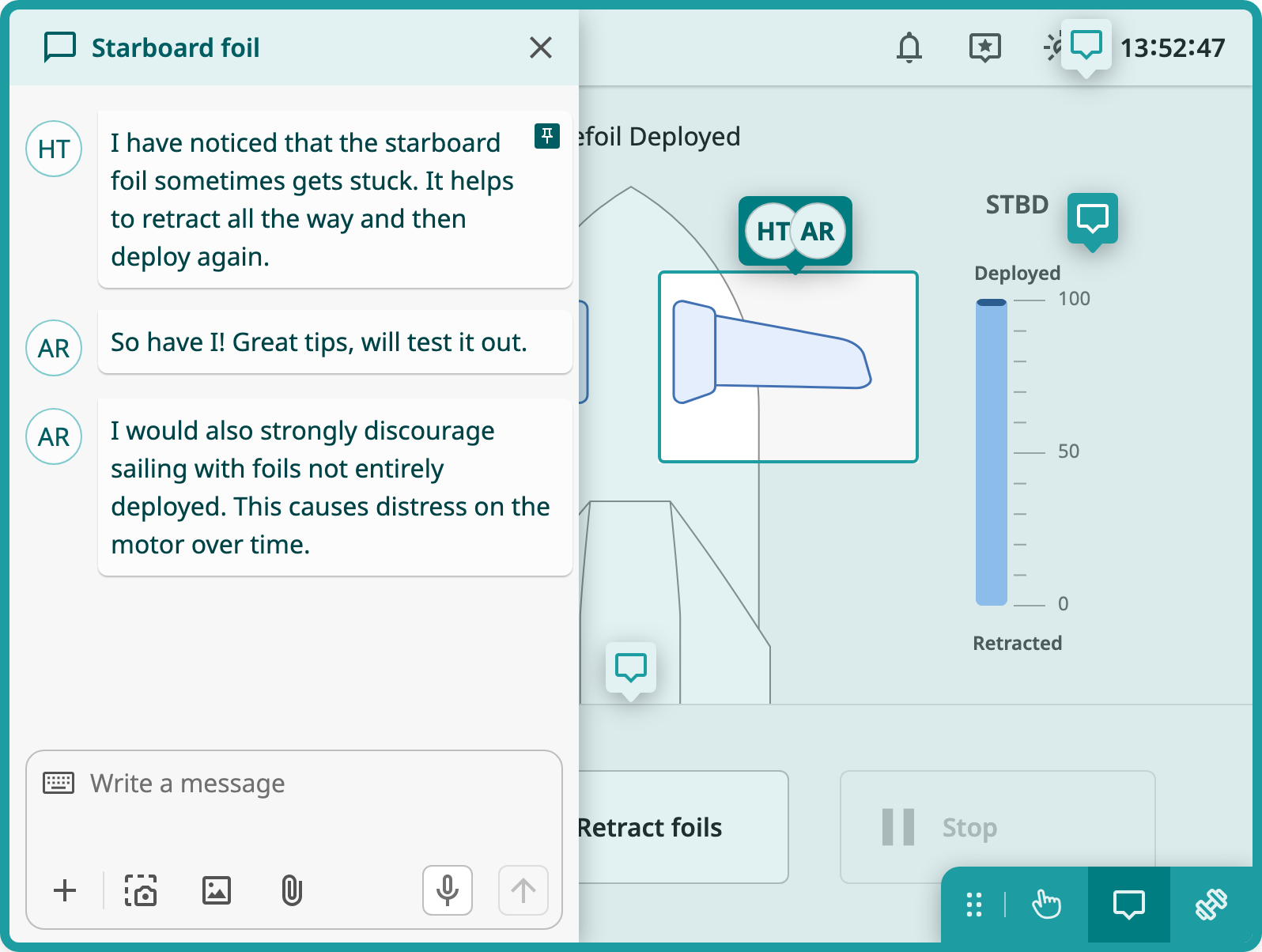
The first iteration has three parts. The first is the Wavefoil interface itself, with the ship, the wave conditions, the engine power and the controls for deploying and retracting the foils. The second is a training menu, reached from the menu in the top bar, with the same structure as the one in the Orkla prototype, scaled down to fit the smaller screen. The third is an explore mode, where the user can use the interface freely without controlling the real system, and leave comments on the components for the other captains to read. Getting started and Scenarios only show their overview pages so far, as the training sequences behind them are not built yet.
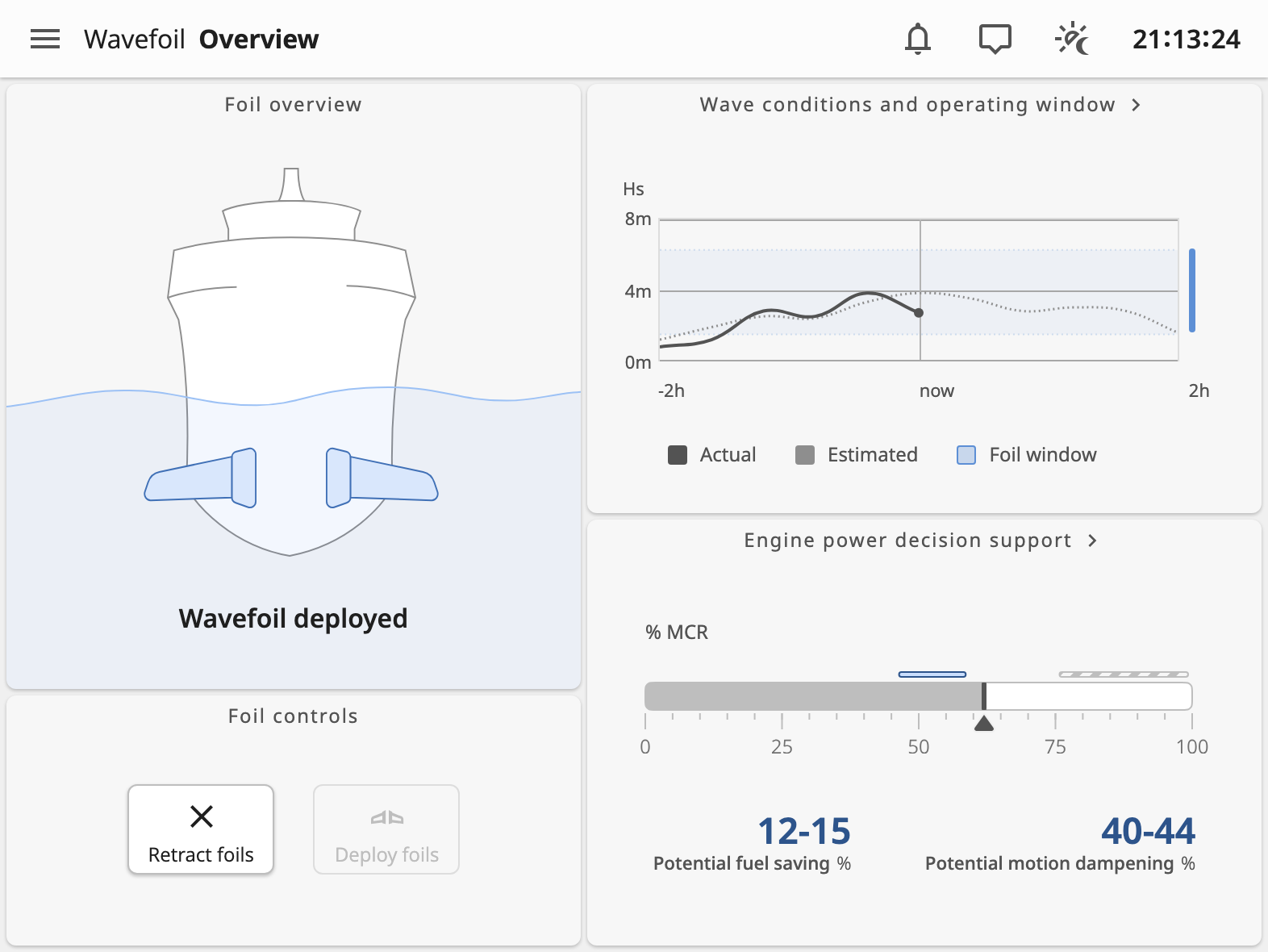
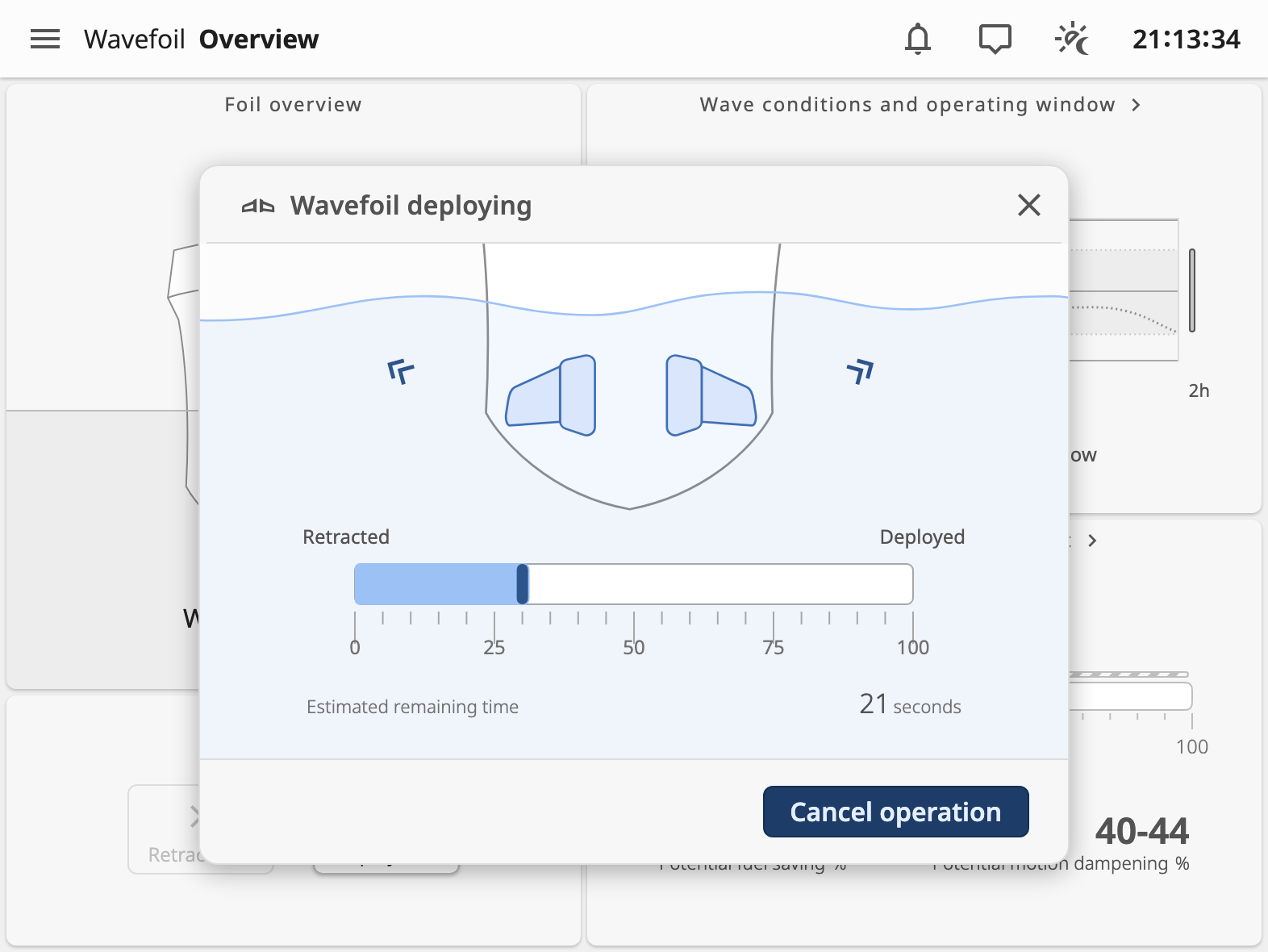
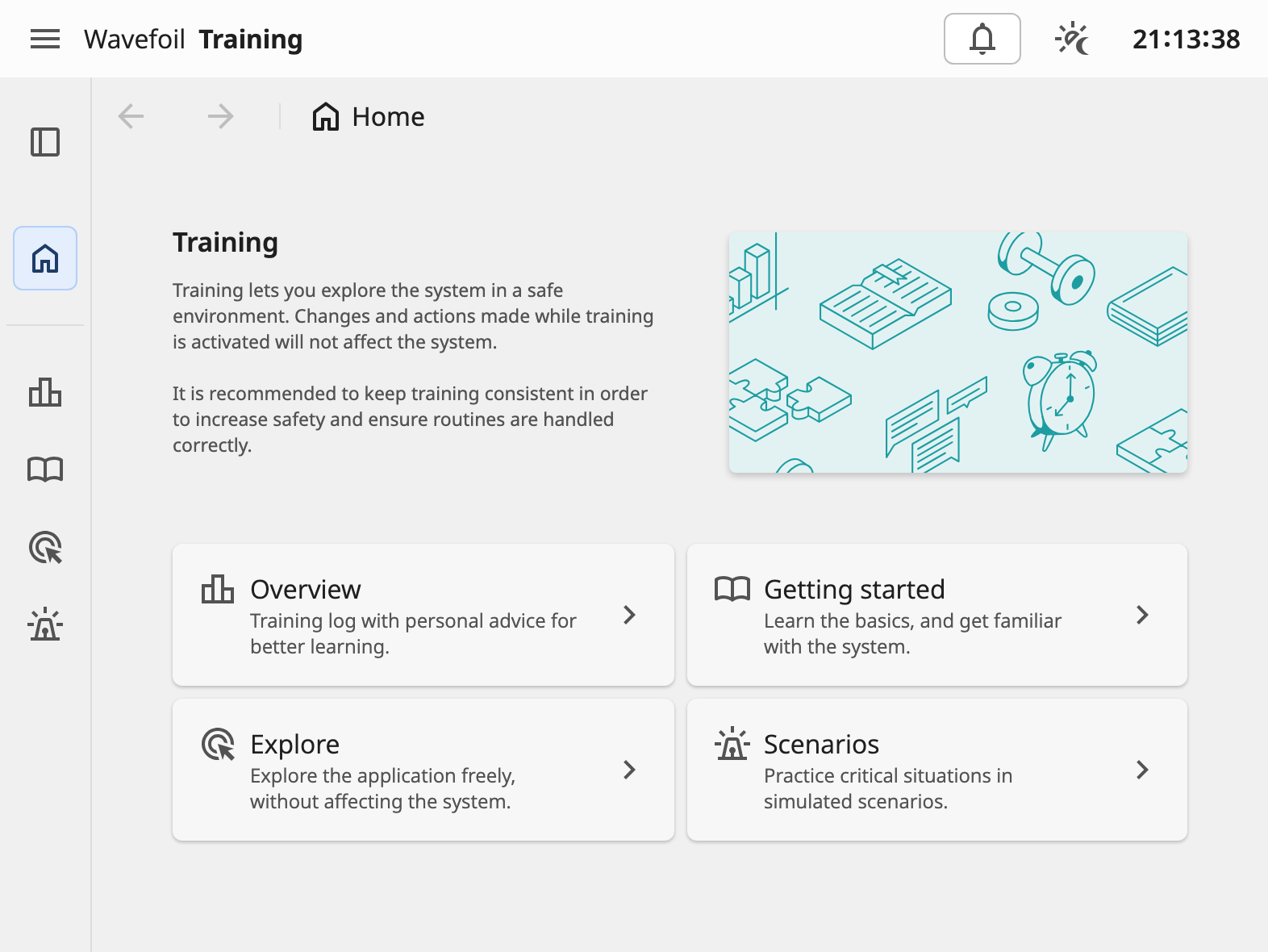
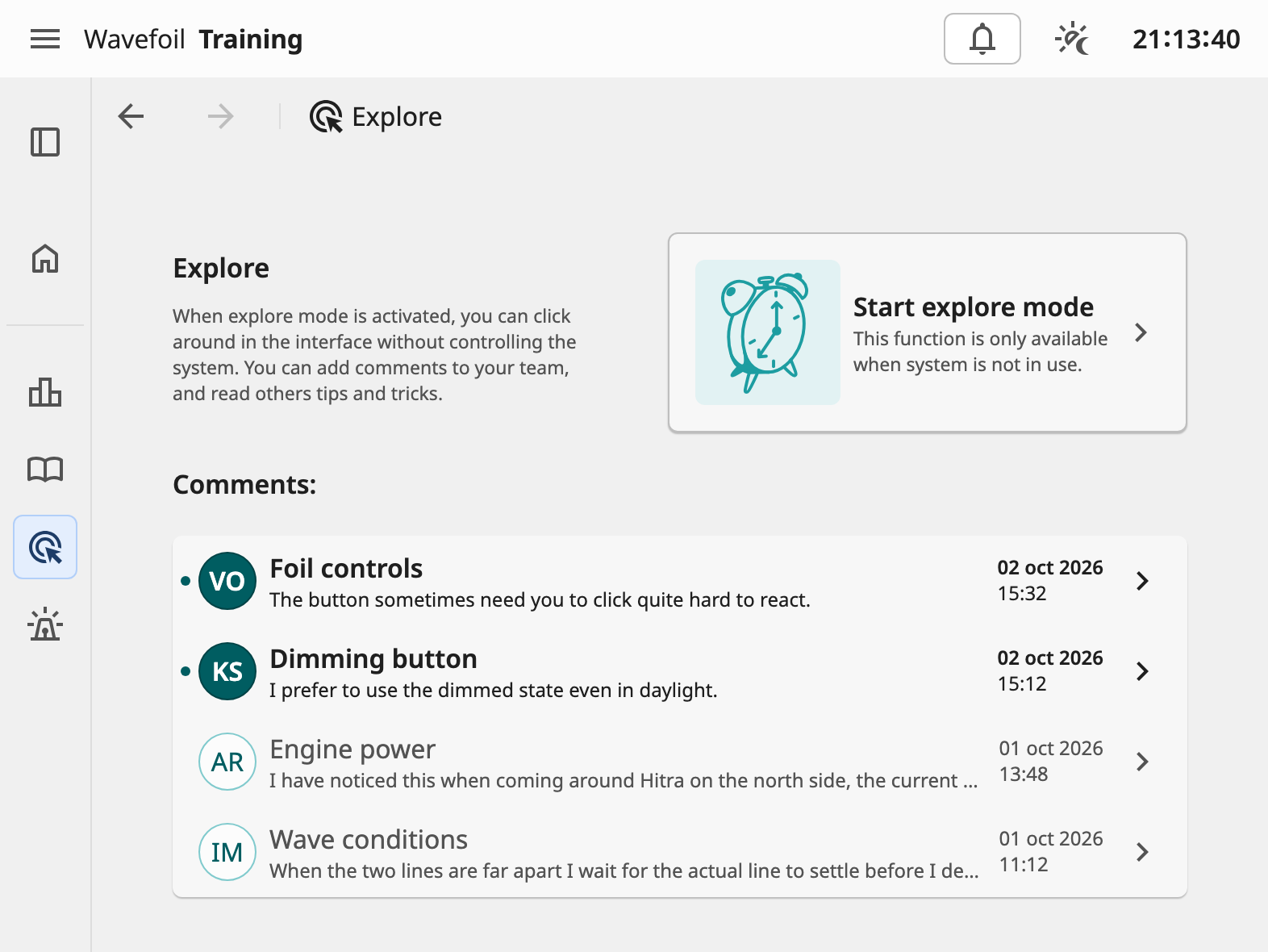
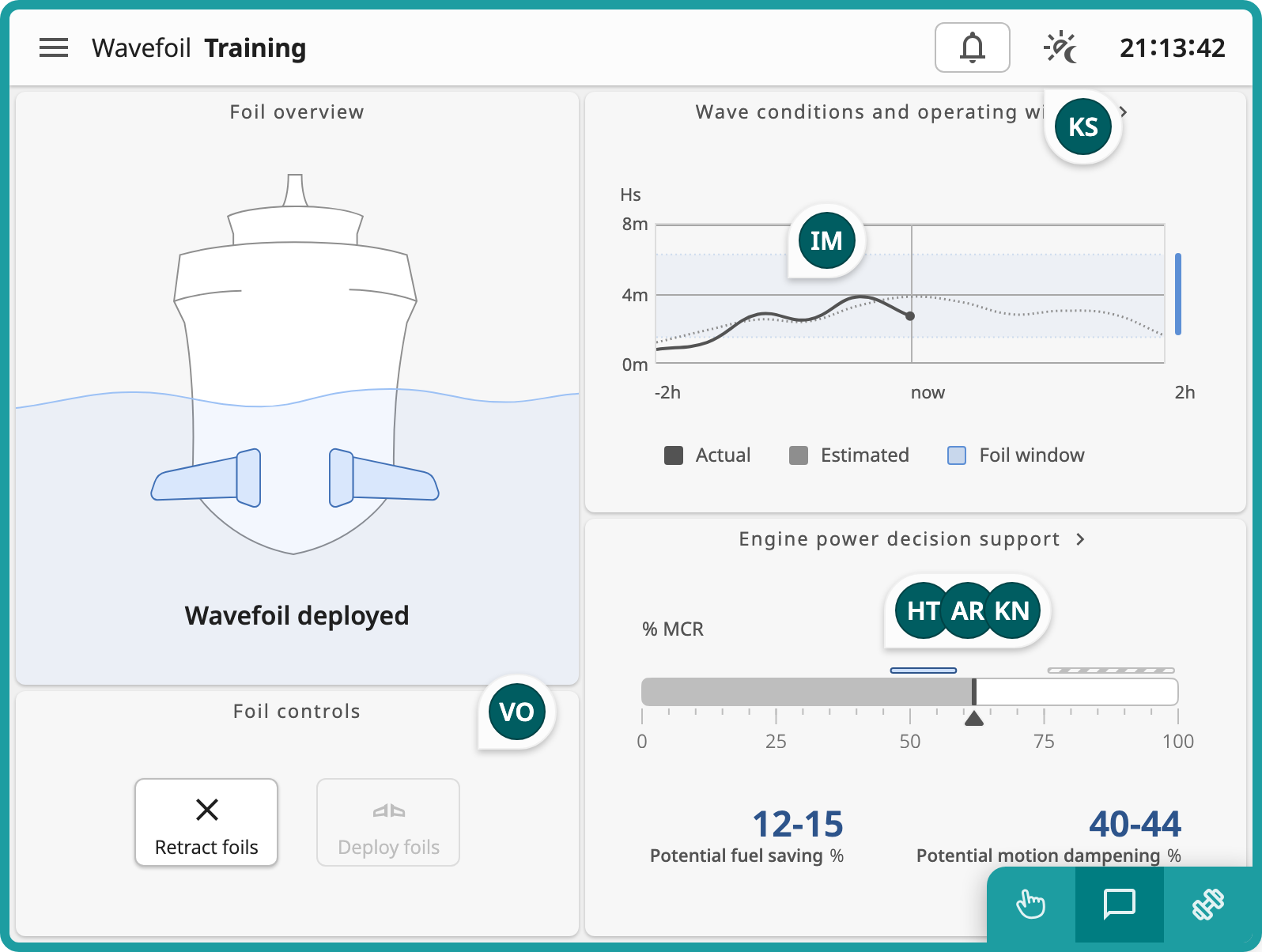
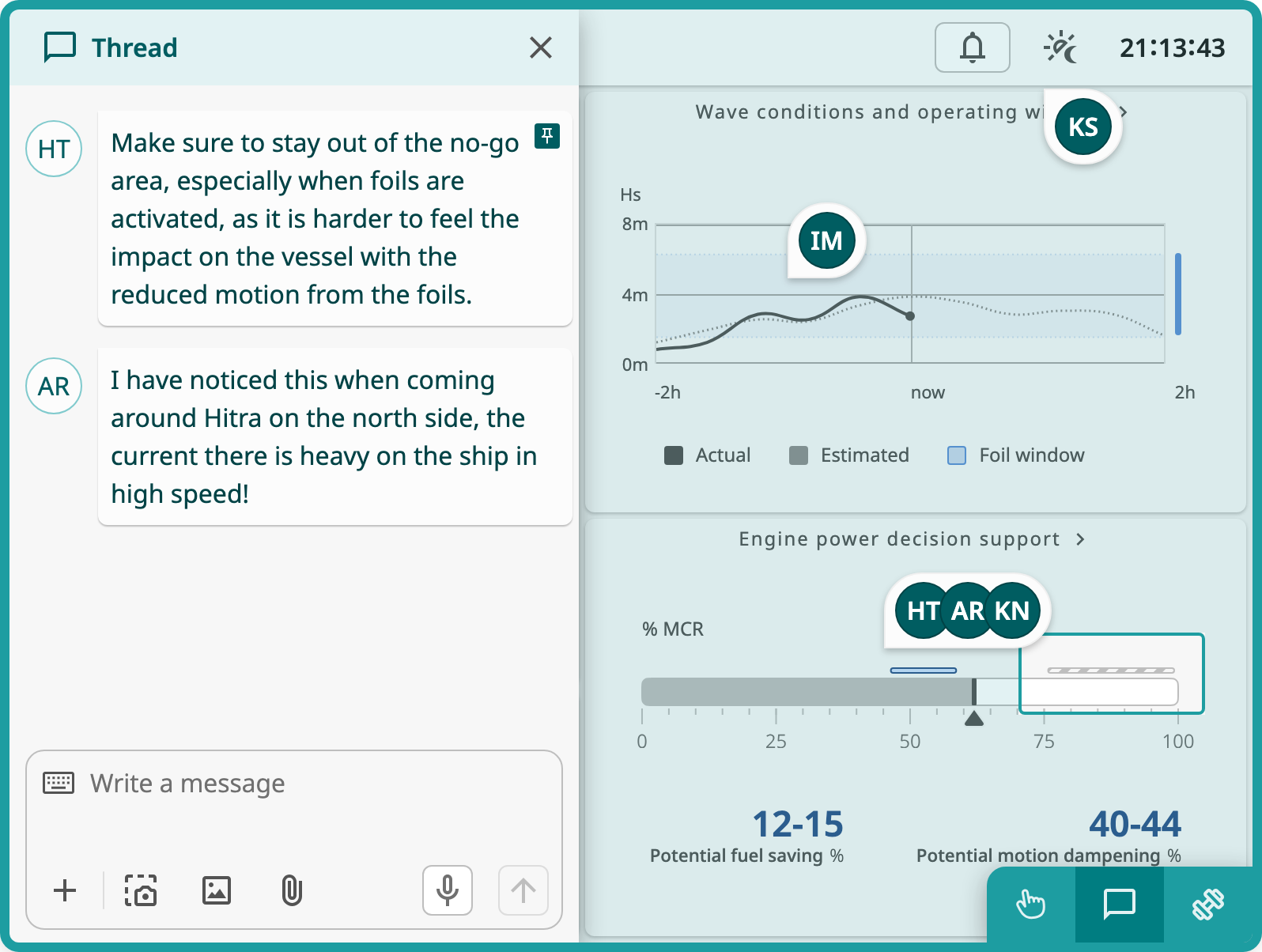
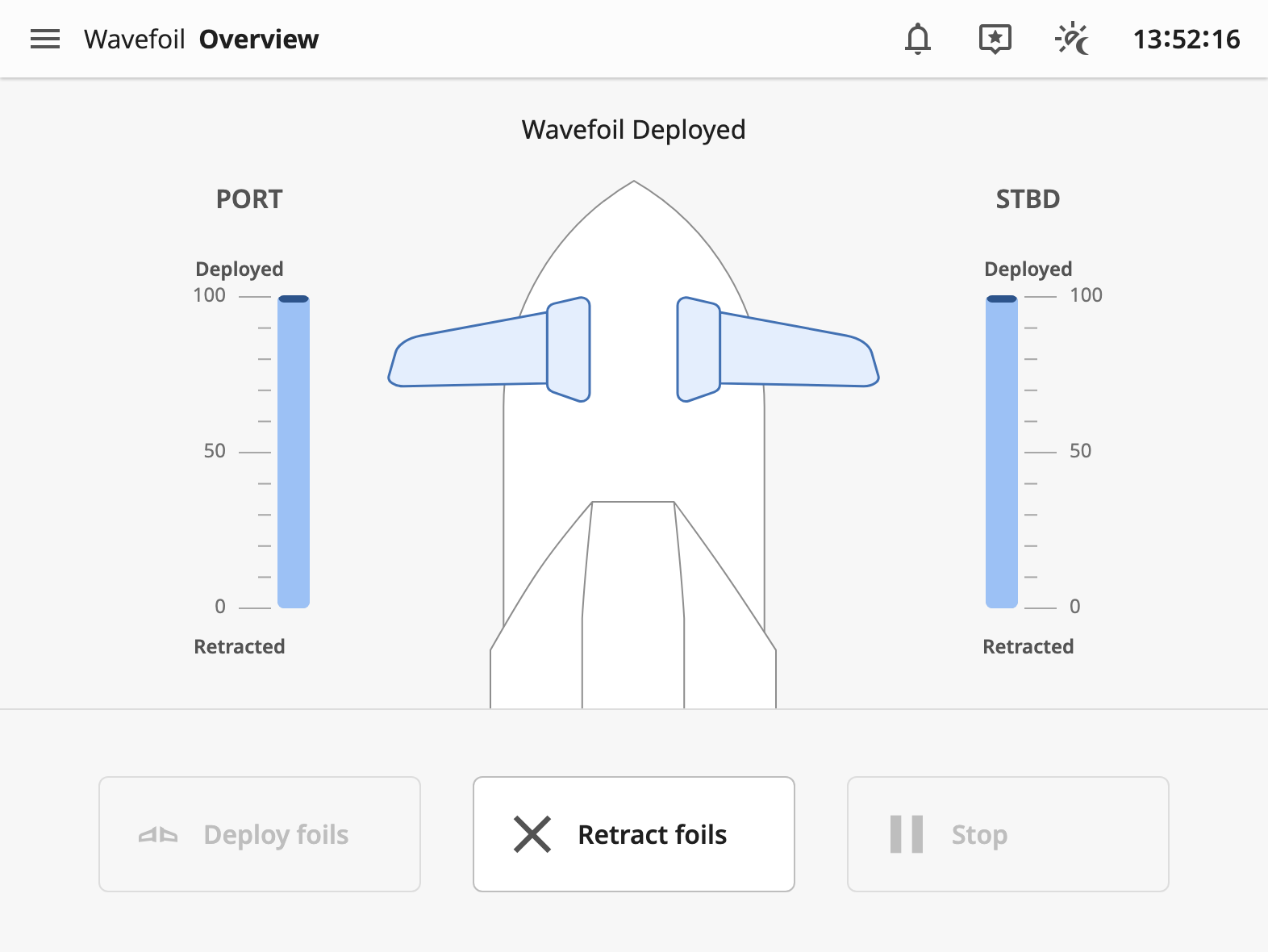
I tested this first prototype on a captain who has Wavefoil on their vessel. He was positive to the training concept, but pointed out that it does not necessarily have to be exclusively available in the bridge screen. He could imagine using it at home for example. He also gave me valuable feedback on the interface itself, which is still a work in progress. Clearer controls, and the possibility to monitor the two foils separately were important takeaways.
When testing on an OpenBridge designer, I also got some valuable feedback on interaction patterns and how the new components relates to the OpenBridge design language. The Comment functionality could be communicated more precisely, and benefit from OpenBridge styling.
Second iteration: Improved WF interface and training interactions
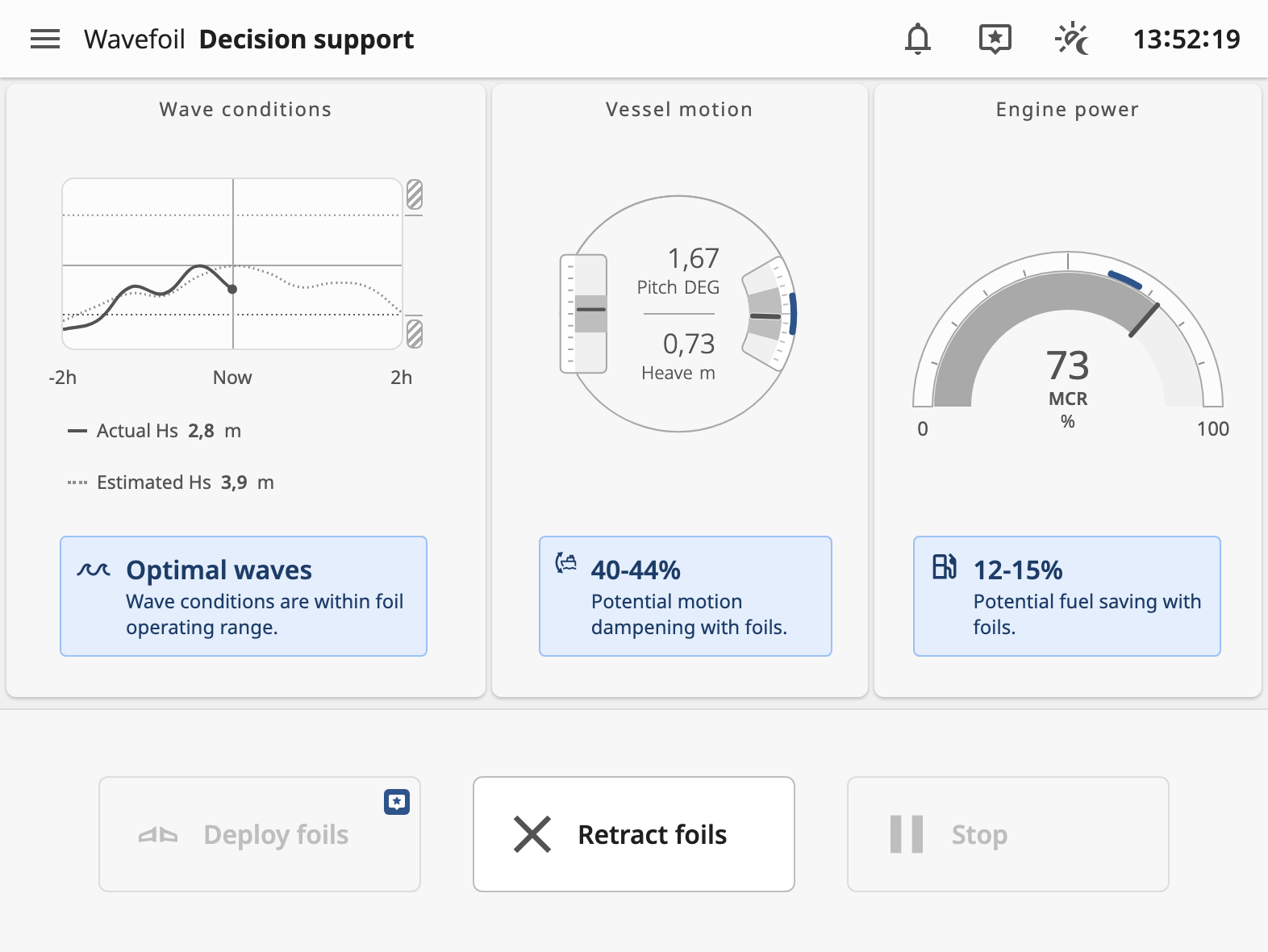
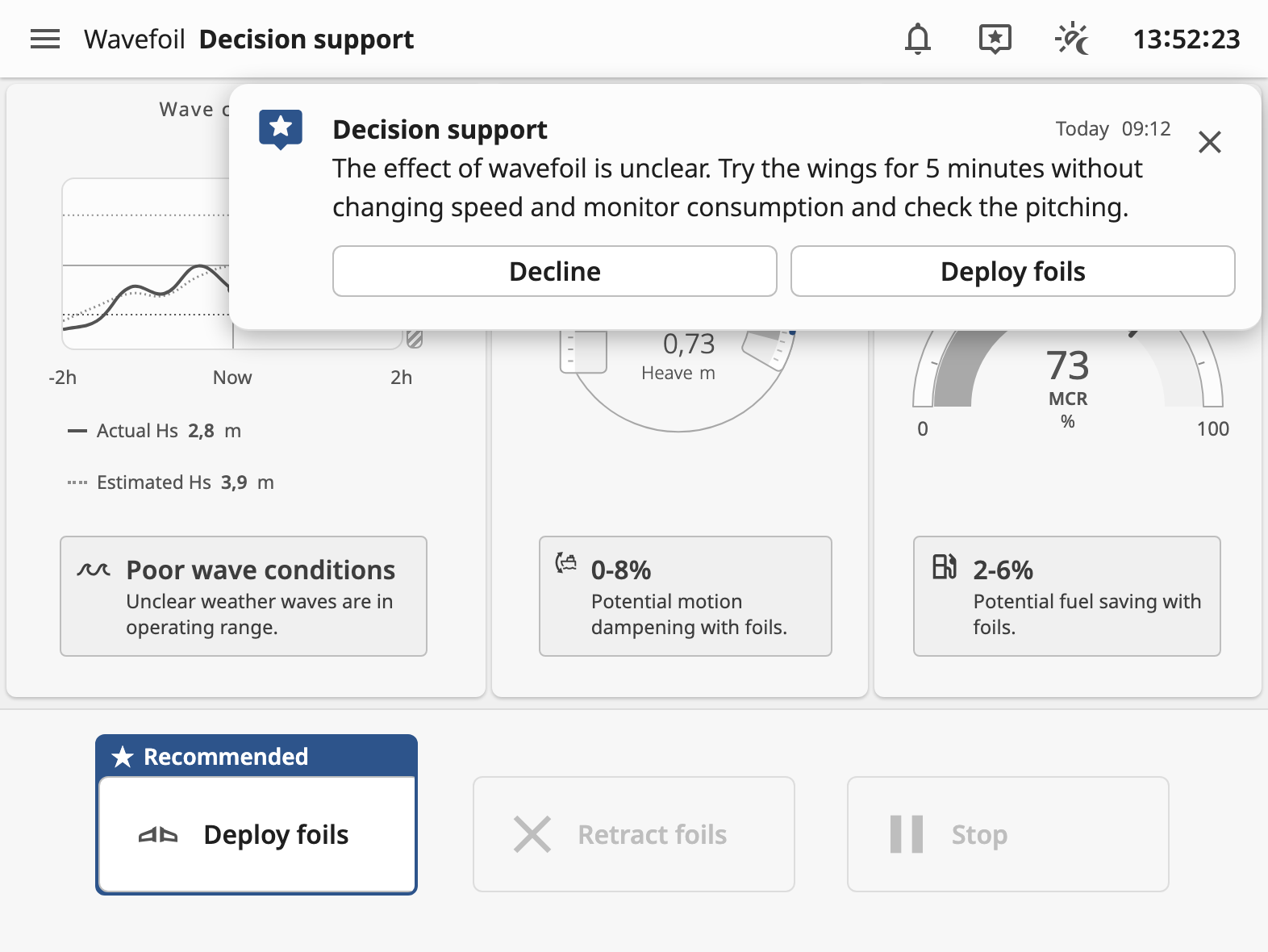
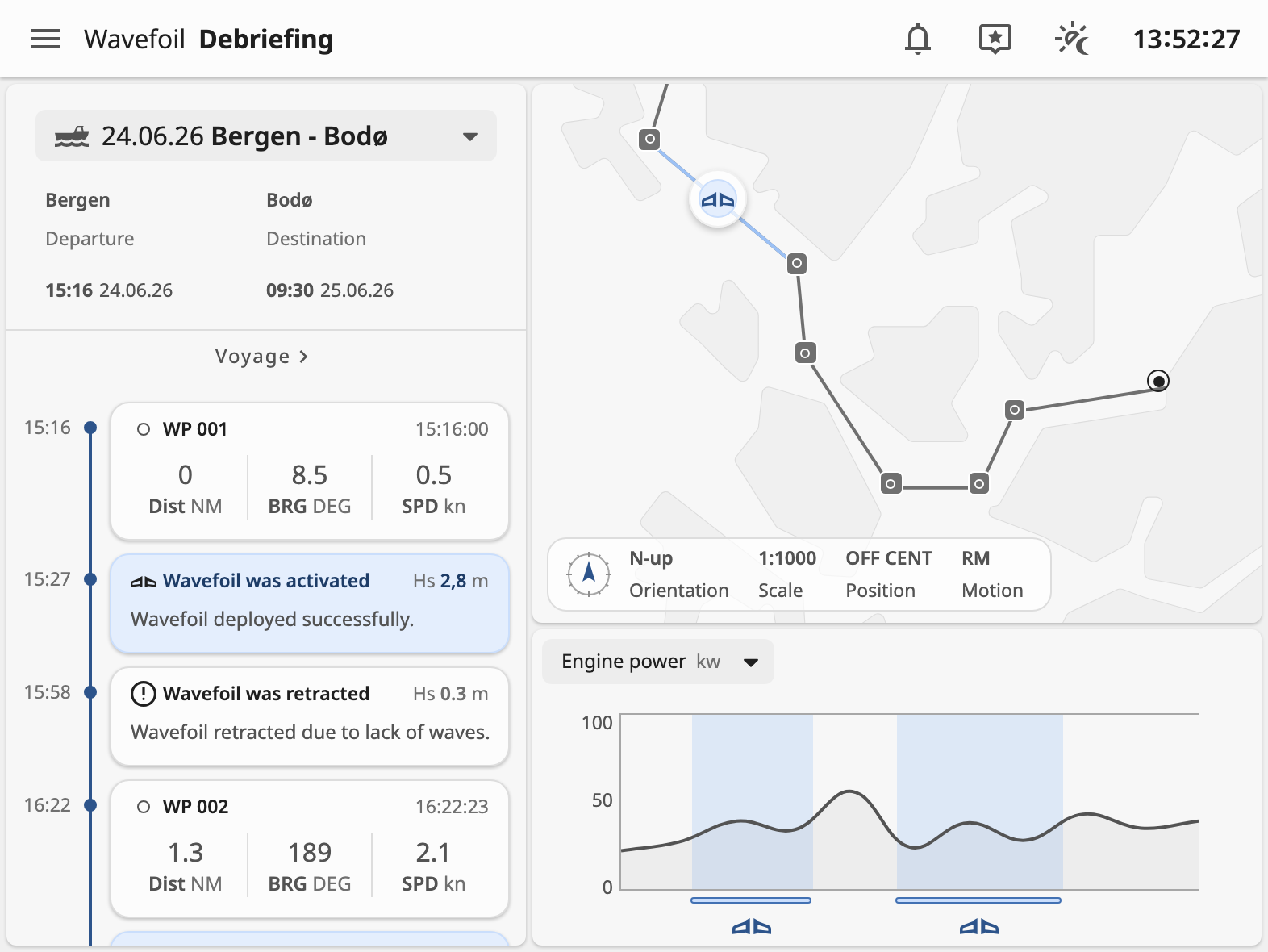
The feedback from the WF operator let me iterate on the interface itself, to more precisely cover their needs when operating the system. I also added a more comprehensive decision support and debriefing function on separate pages, to provide more insight "in-action", and also work as a sort of continuous learning feature baked into the interface.
The explore and comment function was tidied up to have more precise and intuitive interaction patterns, with added states to the comment pins.
To try the decision support without waiting for the sea to change, the prototype has a simulated sea state under the screen, with ideal, harmful and wicked waves.
Third iteration: Practice and testing
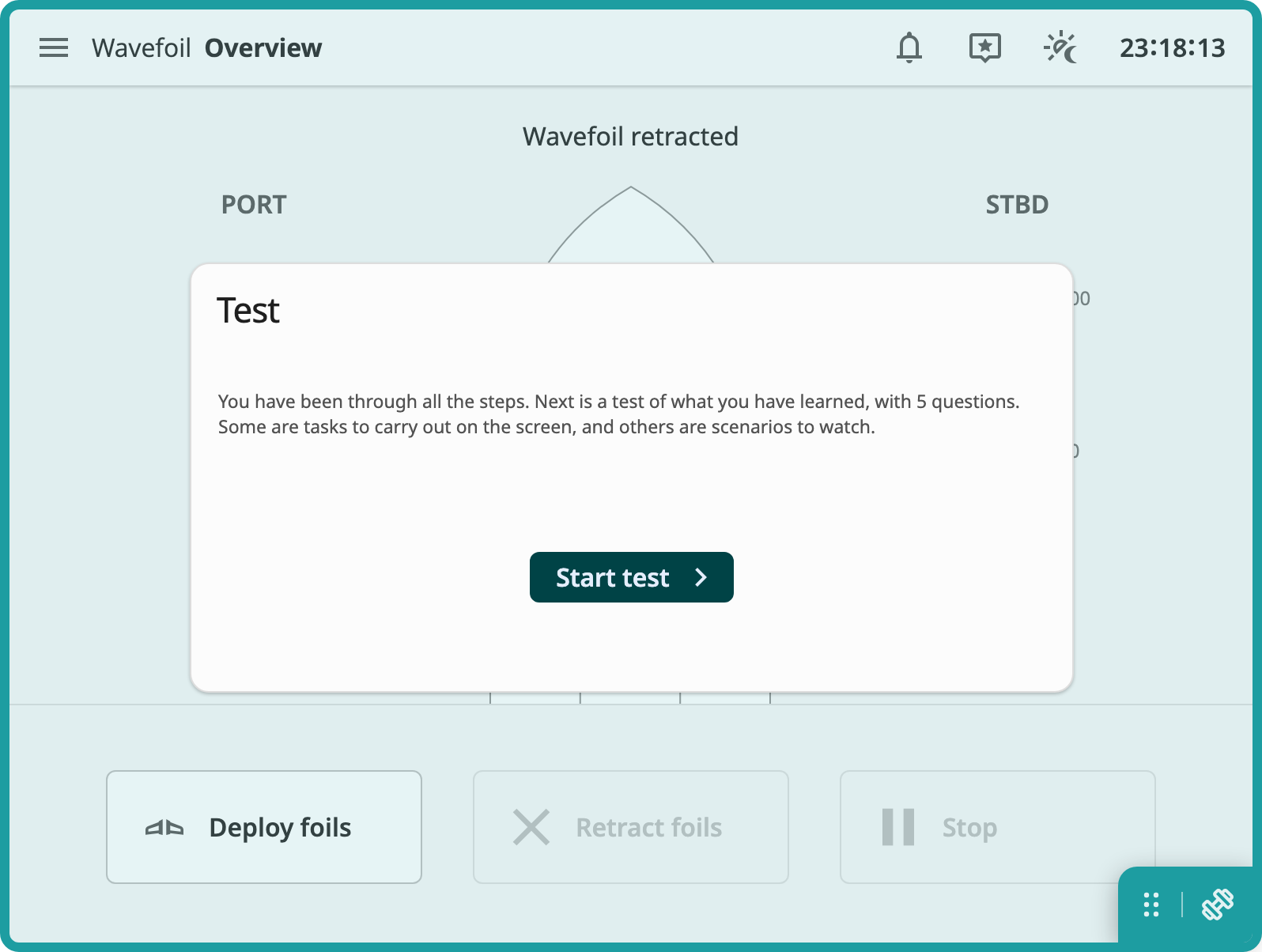
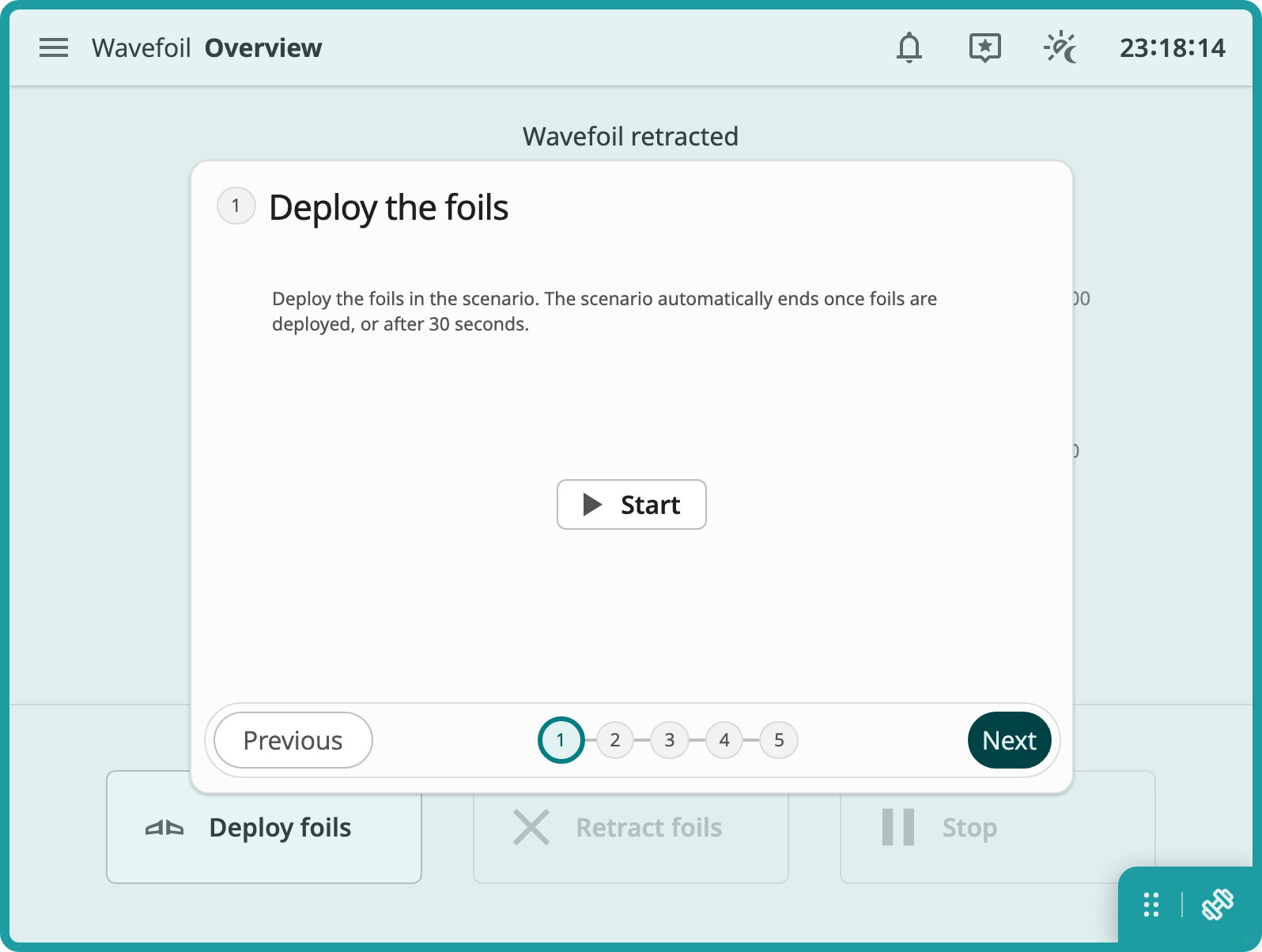
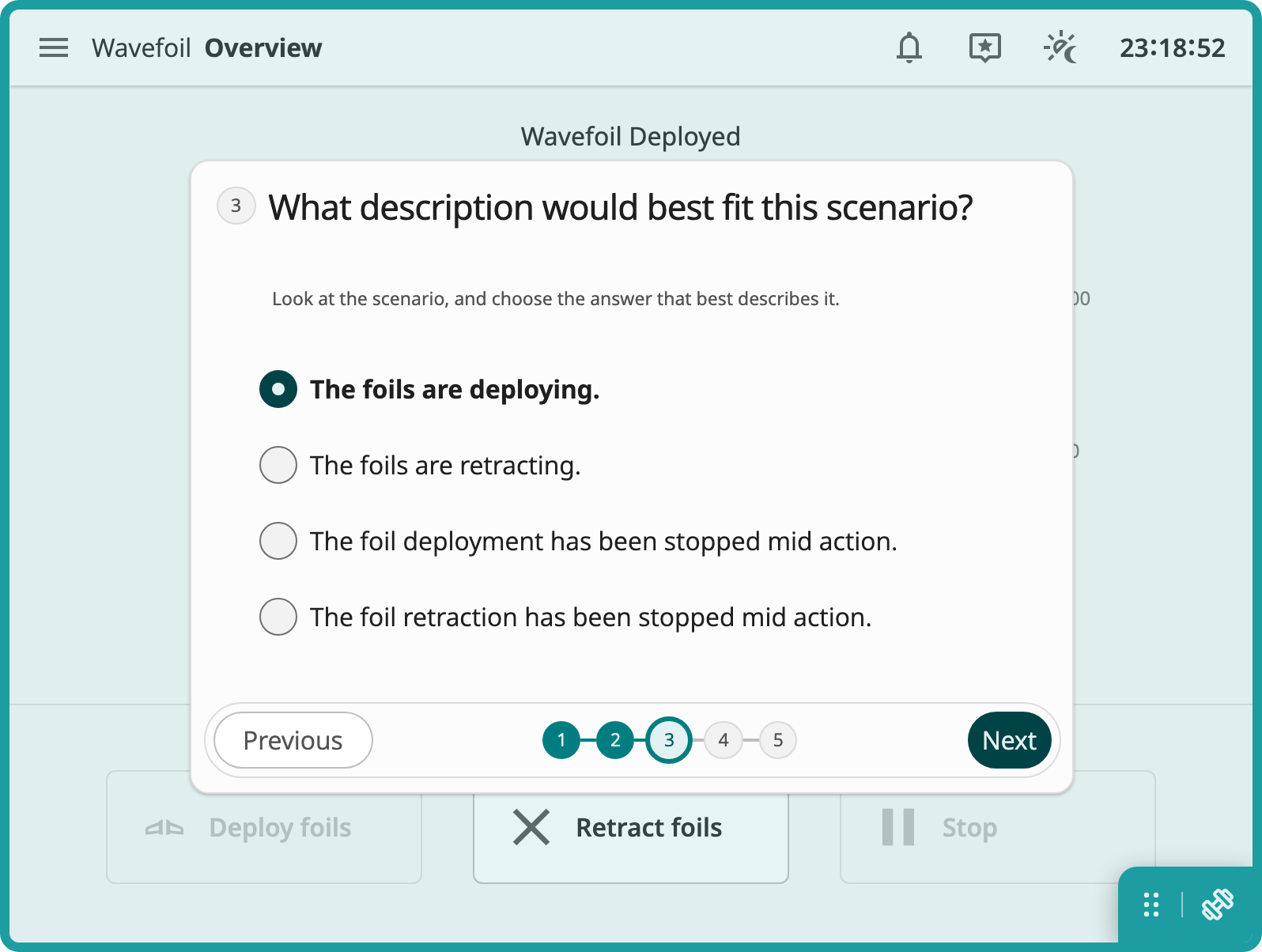
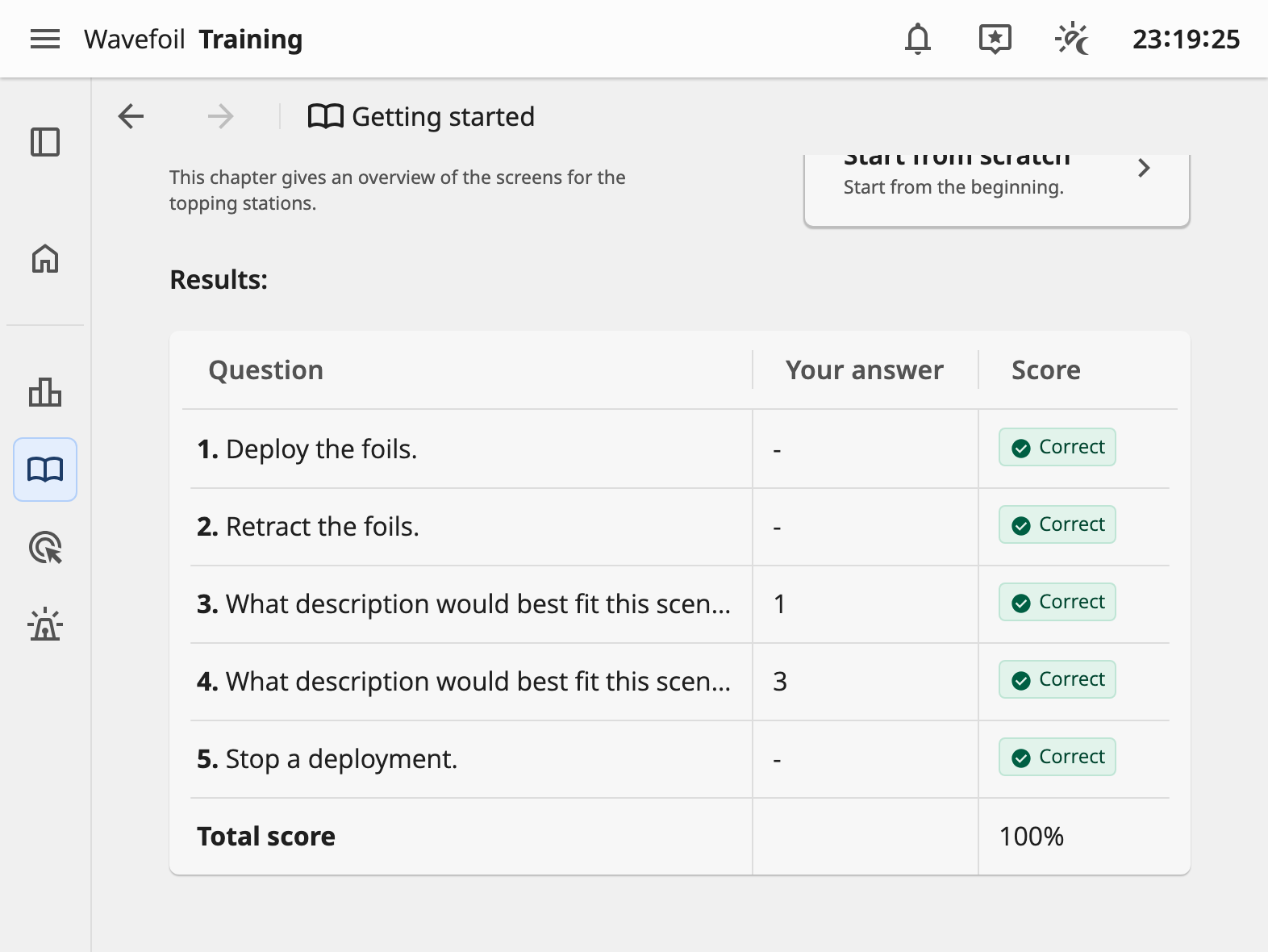
I wanted to answer the users' wish to study equipment at home, and decided to explore a practice and testing feature. In the previous Orkla case I already tested the initial run through sequence of the interface, and I thought it could make sense to put the practice/test at the end of each chapter. I made some simple components for testing knowledge, and had Claude generate placeholder questions based on the interfaces. To user test this concept I opened it on a tablet, mainly to test it on touch screen, like the actual WF screen is, but also to test the possibility to run it on a device many people already have at home.