New case: Wavefoil
Interviews with one employee at Wavefoil and two captains on boats with the foils installed.
- Wavefoil
- user interviews
- case
- research
The next step in the process is to take my first draft of the training concept, and adjust it to different use cases, with Wavefoil being the first one. Before I start sketching, I have talked to users to gain a deeper understanding of the system and environment the training needs to address.
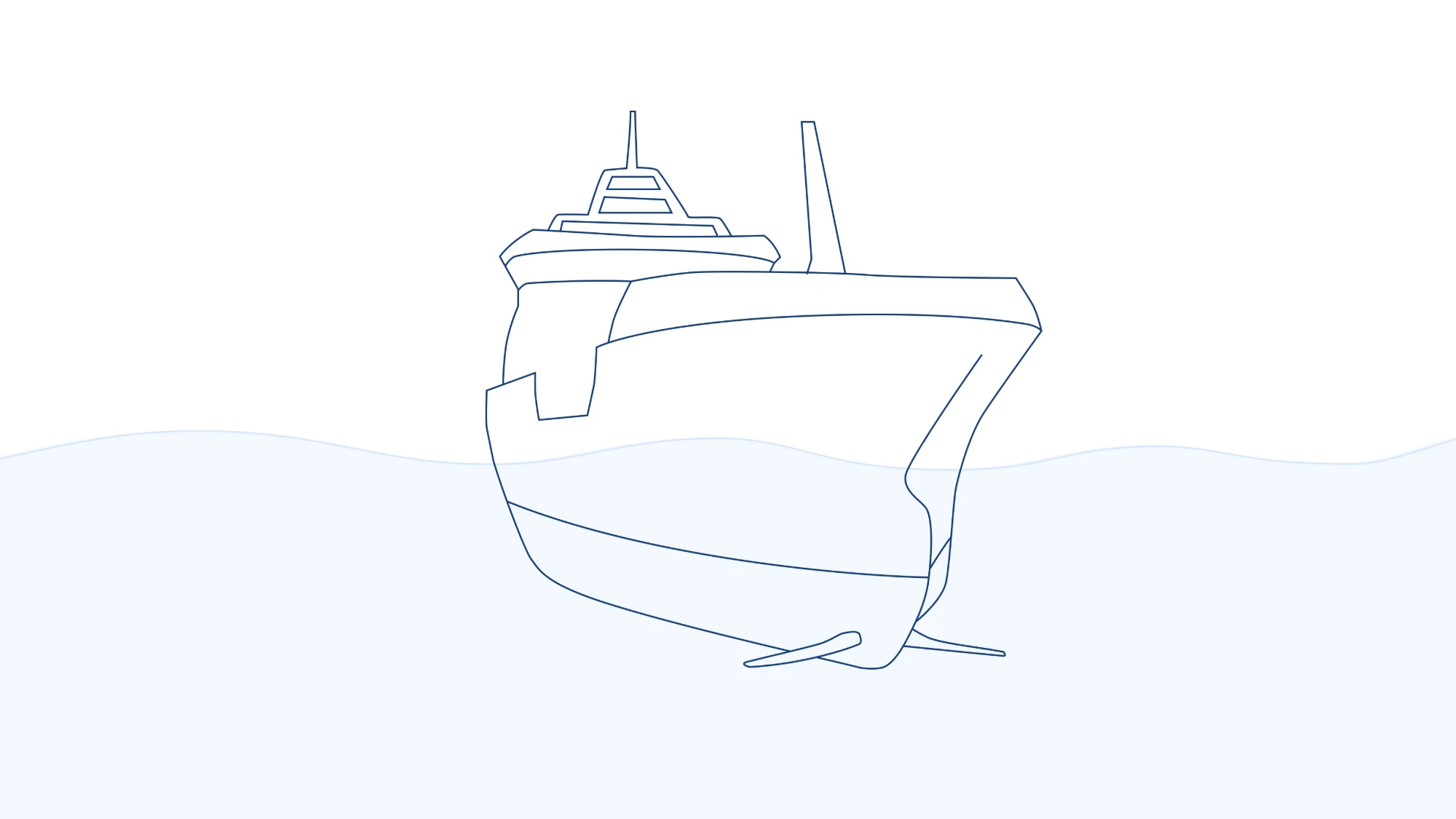
Why Wavefoil
I chose to work with Wavefoil as a second case, as it has an interactive interface that introduces a new aspect to my training concept. My first case, the Orkla interface, is for monitoring, while on the Wavefoil screen the crew controls the foils, so the training has to let users try the system without affecting it. It is also a case where I have access to users, allowing me to involve them throughout the process.
About the technology
Wavefoil is a company that makes bow foils for ships. The foils reduce the motion of the vessel in waves, which makes the ride calmer and can save fuel. Bow foils in general are a good example of secondary equipment on a ship bridge, that is often not prioritized when onboarding new crew. This makes it all the more relevant to provide a built in solution for easy teaching of the system. Read more about the company at wavefoil.com.
Talking to users
From an employee at Wavefoil, I learned more about the technology and needs from their point of view. When a new vessel first gets the foils, someone from Wavefoil usually joins the crew on a trip to demonstrate the foils in practice. This helps ease the transition into the new equipment, as crew are often a bit sceptical and afraid to make mistakes in the beginning. A big part of this initial introduction is therefore to make them feel safe with the system. I also learned that the screen on the bridge is small, with physical buttons next to it, so the training needs to work in a compressed view.
I also talked to two captains on boats that have the foils installed. When operating the foils and other systems on the bridge, the captains are often alone, so they don't have someone to ask if they are unsure of what to do. Both captains described that a combination of prior experiences and what they see and feel on the boat that helps them decide whether to use the foils or not. The foils are also secondary to the work on the bridge, as most of the attention needs to go to the manoeuvring of the vessel. One captain told me that he can only look at the Wavefoil screen for a couple of seconds at a time. The thing they worry about most is forgetting to retract the foils, for example when approaching a harbour where it can damage the equipment. All over, both ask for the same thing in the interface: keep it simple.
Prototyping
Based on these conversations, I will start the work on training prototypes for the Wavefoil interface. It seems like my idea to let users test an application's functionality in a safe environment can be very promising in this case. I would also like to test out the idea of adding comments, so captains can have an easy way to share experiences despite not working together. Finally, the screen on the bridge is small, and the equipment differs between vessels, so the training needs to work in a compressed version of the interface as well as in the larger one.